
Using the Chrome (or Brave) web browser, navigate to https://hubforteams.com and log in.
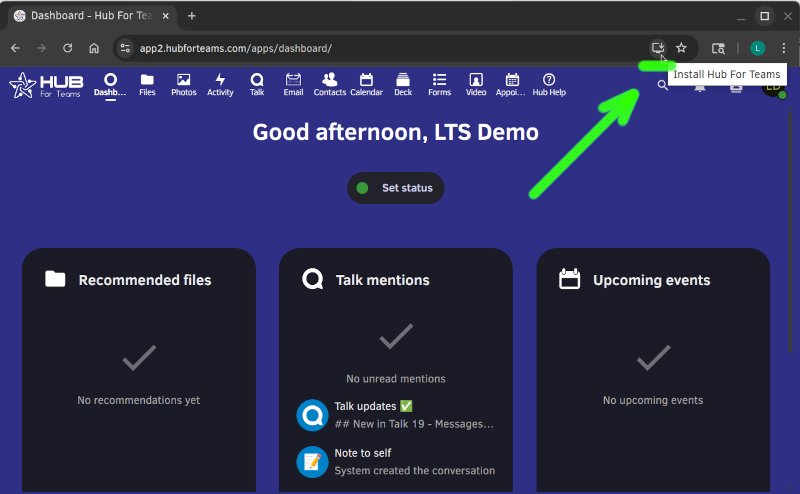
On Desktop: Find the install icon on the right side of the address bar, click it, and follow the instructions.
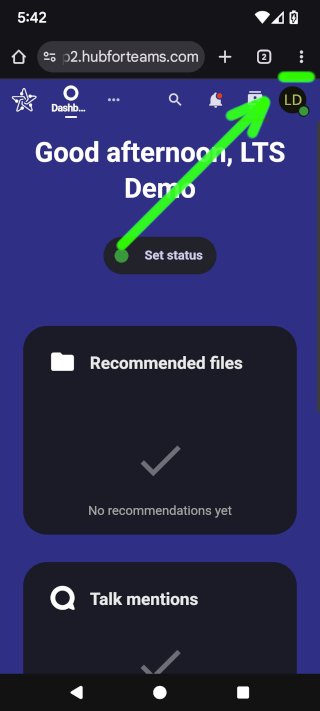
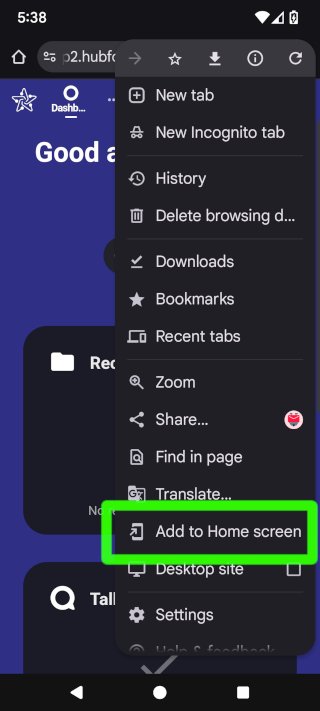
On Mobile: Tap the three dots menu, then select "Add to Home screen" and follow the instructions to install the app.
Want files synced to your computer too? Download the desktop app from hubforteams.com/downloads.
