
Your SEO score and site tasks
Open Website Health. Your SEO score shows how well your site does on marketgoo's technical checks, and Site tasks lists what to fix next. Click See all tasks for the full list.
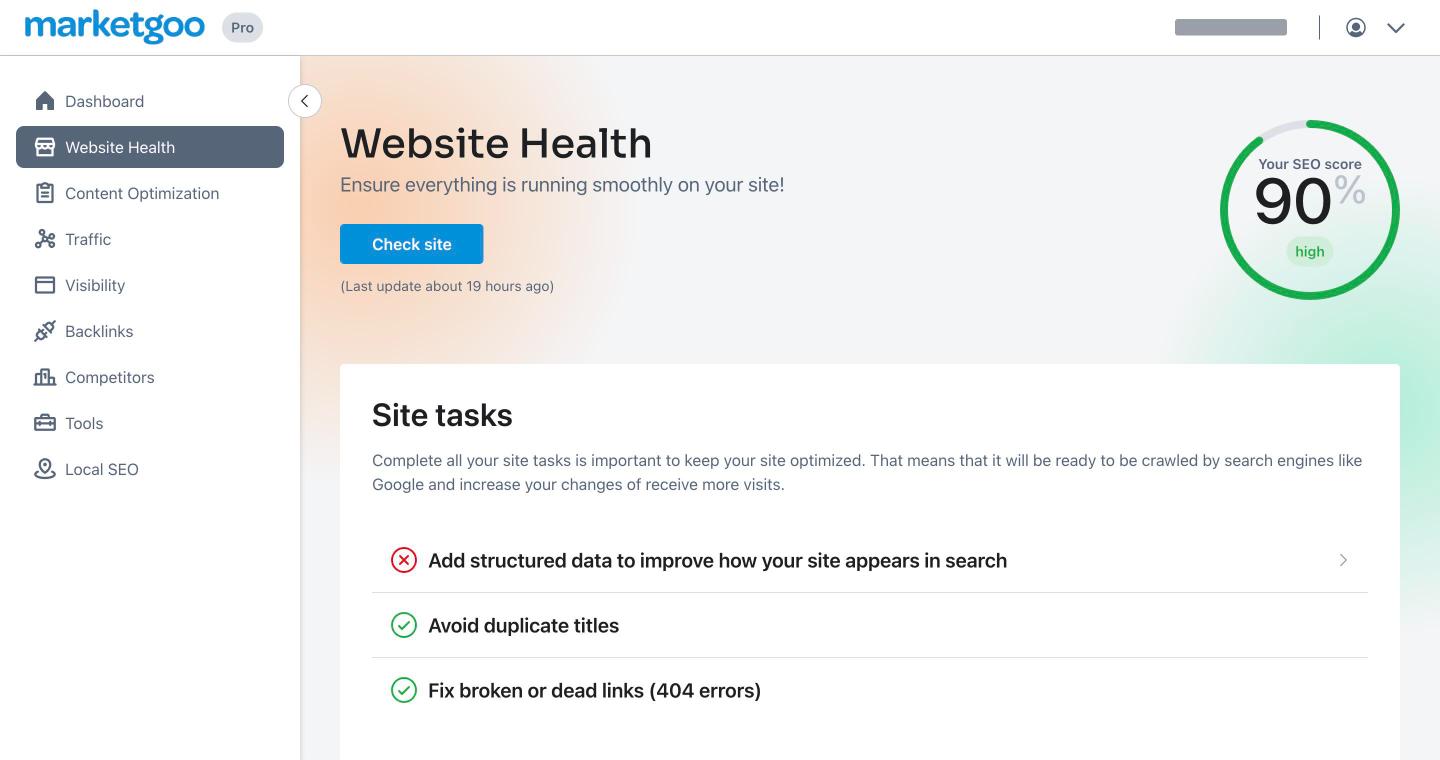
Click a task to open it. Each task shows its SEO impact and Task difficulty, with a How to fix it tab (step-by-step) and a More info tab (why it matters).
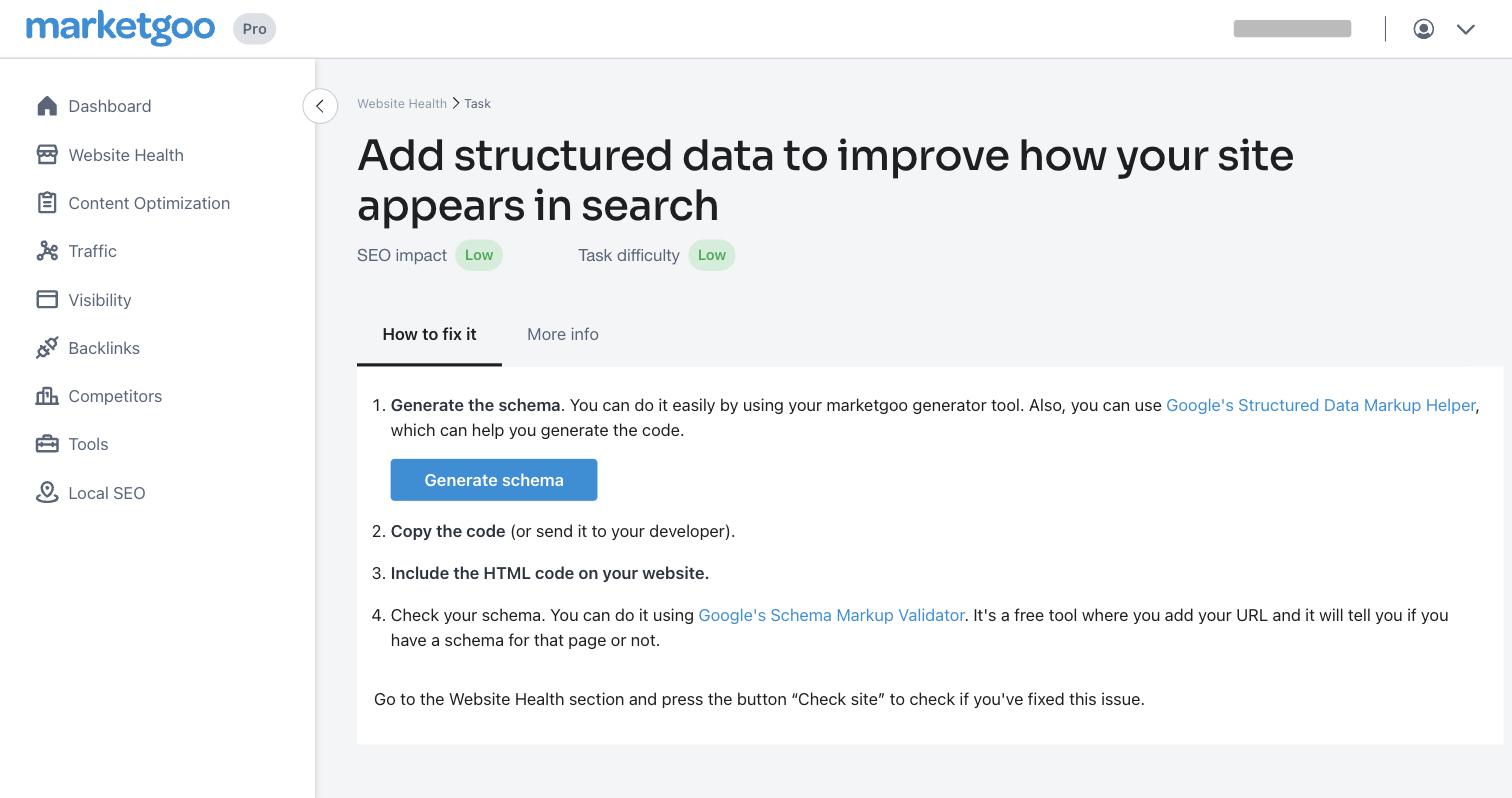
After you make the change on your website, go back to Website Health and click Check site. marketgoo re-scans your site and updates your score and tasks. When no tasks are left, use Go to Optimize to work on individual pages in Content Optimization.
Reports
- PDF report: on the Dashboard, click Download [month] PDF Report.
- Monthly email report: in the account menu (top right) go to Settings > Email notifications. Send Monthly Report emails you a monthly summary. Use Add recipient to send it to someone else too, such as your web designer.
Connect Google for real data
Go to Settings > Connections and connect each service with the Google account that manages it.
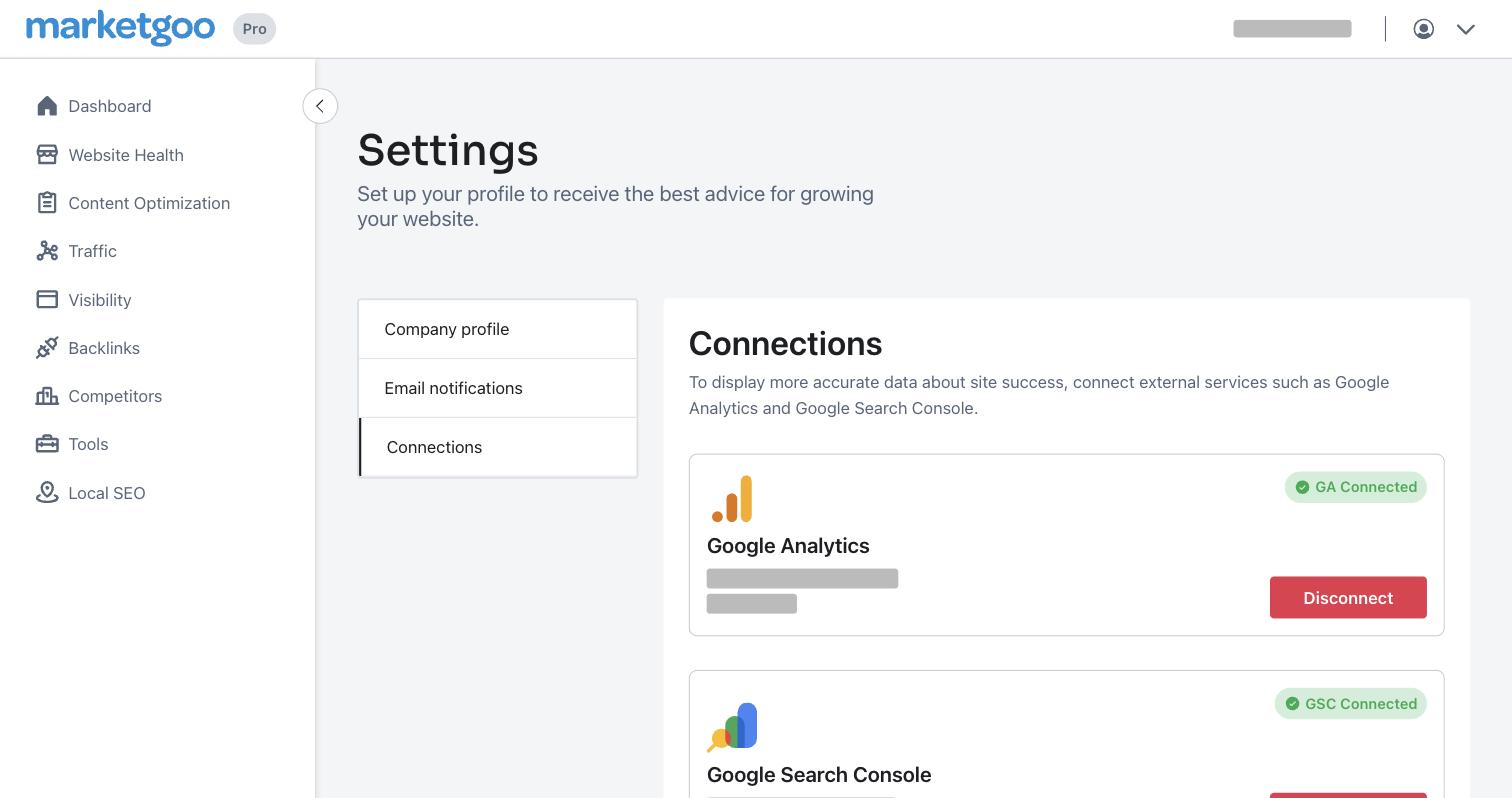
- Google Analytics powers the Traffic page: visits, unique visitors, average visit duration and bounce rate, with 12 months of progress.
- Google Search Console powers Visibility: clicks, impressions, click-through rate, average position, whether your site is indexed by Google, and the searches and pages that bring you visitors.
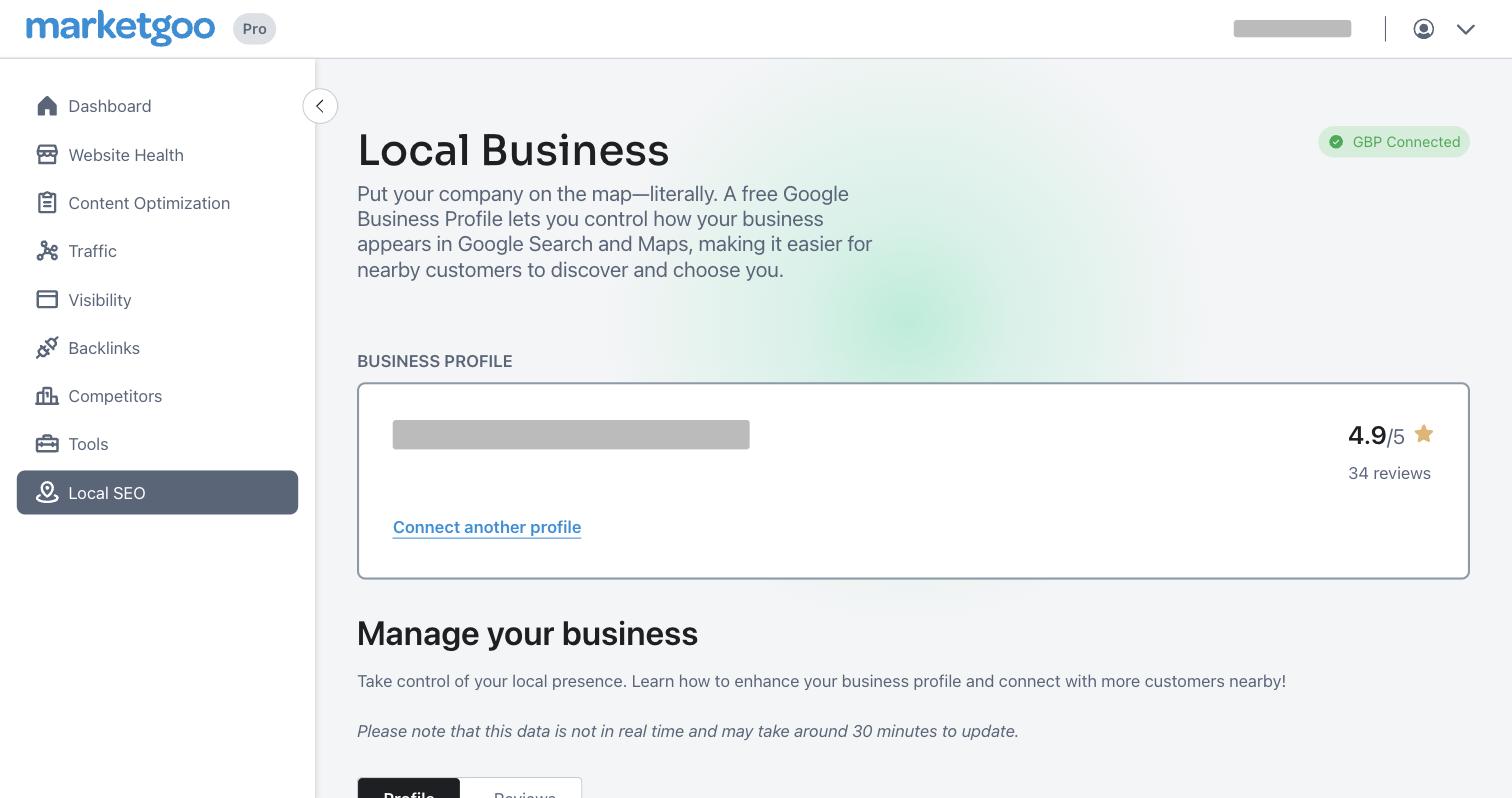
- Google Business Profile powers Local SEO: your rating, reviews and tips for your profile.
Each connected service shows a green "Connected" badge. To stop sharing data, click Disconnect.
Backlinks
Backlinks shows the sites that link to you (top domains, top backlinks and your most-linked pages) and the links you gained or lost. This data comes from an outside provider and updates about once a month.
Structured data generator
Under Tools, the structured data generator builds schema code for your business (name, address, phone, logo and business type). Copy the code into your site's header, or send it to your web designer. Some site tasks link straight to it with a Generate schema button.
