
marketgoo is a do-it-yourself SEO tool. It scans your website, shows what's holding it back in search results, and turns that into a list of tasks you can work through without an SEO expert. It works with any website, including sites that aren't hosted with us.
Plans
| Lite | Pro | |
|---|---|---|
| Pages scanned | Up to 50 | Up to 1,000 |
| Keywords tracked | Up to 5 | Up to 20 |
| Competitors tracked | Up to 2 | Up to 4 |
| Report and plan updated | Weekly | Daily |
| SEO plan | Limited | Complete, with step-by-step guides |
Both plans include search engine submission, Google Analytics connection, a downloadable PDF report and a monthly progress report. Pro includes up to 20 Content Optimization page optimizations a month. If your site has more than 50 pages or you want to track more keywords, choose Pro. You can upgrade later with the Upgrade button on your marketgoo service in the Client Area.
Order
- Go to marketgoo in our store (Products > MarketGoo).
- Click Signup Now under Lite or Pro.
- Choose your domain (one of yours, or type any domain you own) and check out.
Your account is created automatically as soon as the order is paid.
Open marketgoo
- Log in to the Client Area and go to Services > My Services.
- Open your marketgoo service.
- Click Log in to Dashboard. You'll find it in the left sidebar and in the marketgoo panel.
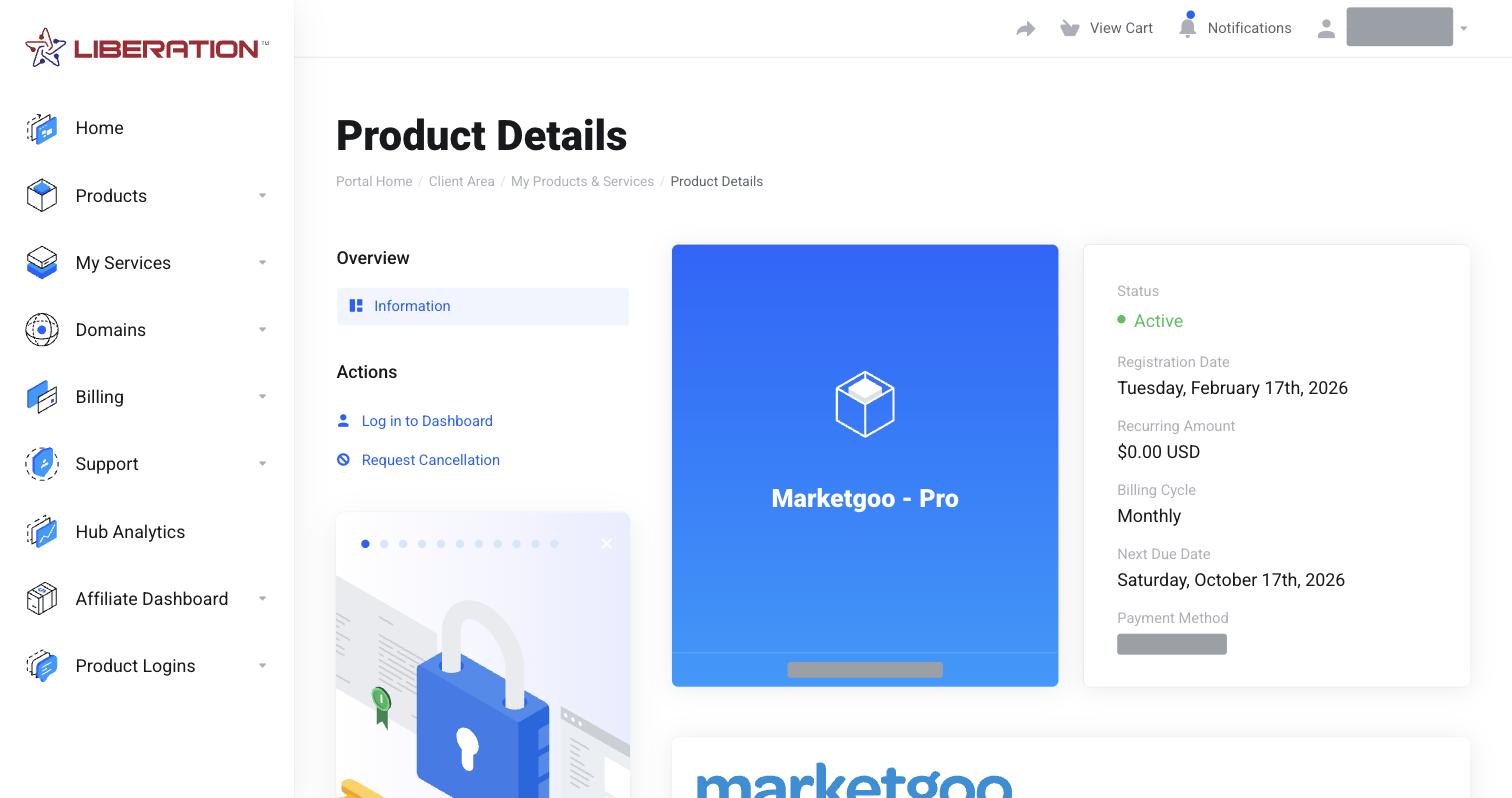
marketgoo opens and signs you in automatically, so there's no separate password to remember. Always open it from the Client Area rather than a bookmark.
Find your way around
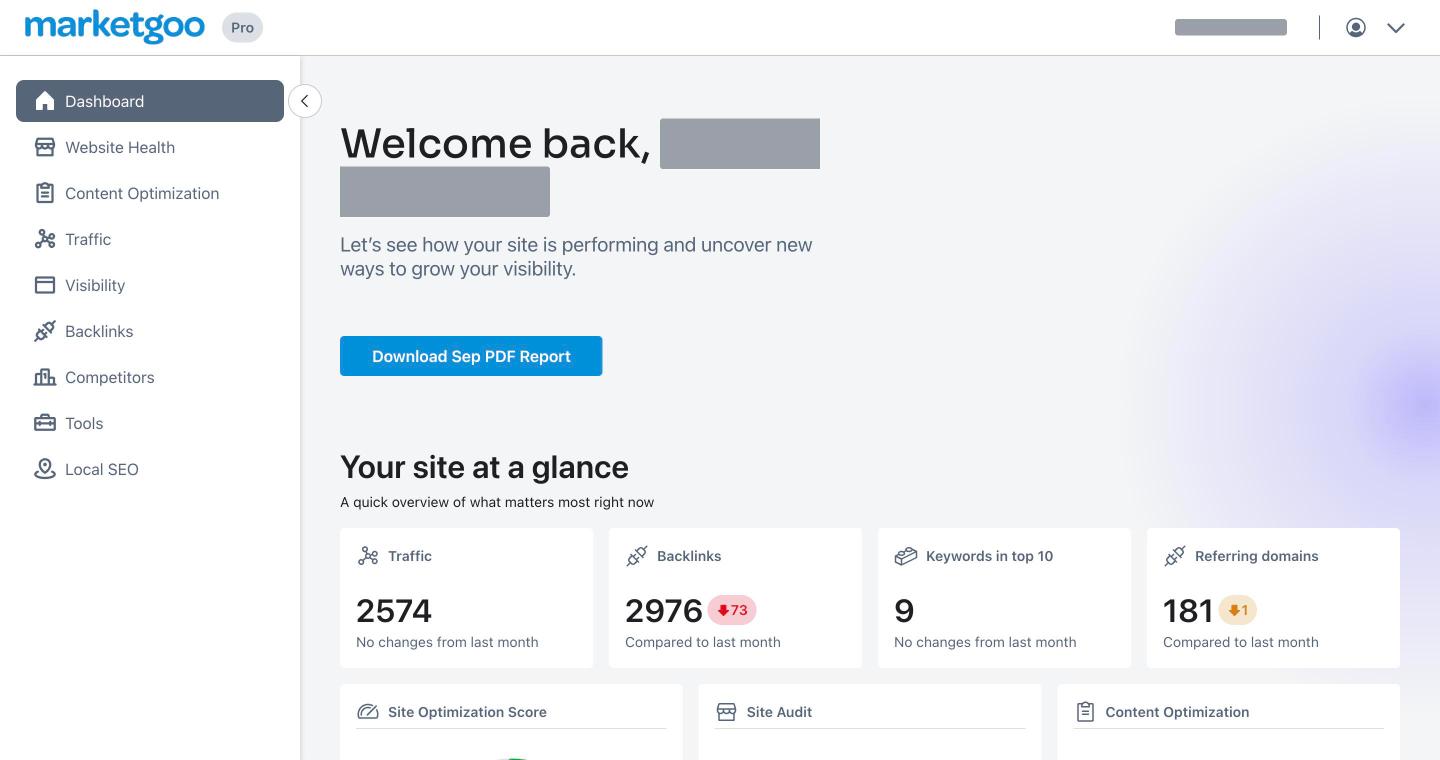
- Dashboard: your site at a glance (traffic, backlinks, keywords in the top 10, referring domains), your scores, and the Download PDF Report button.
- Website Health: your SEO score and the list of site tasks to fix.
- Content Optimization: a score for each page and suggestions to improve it for a keyword.
- Traffic: visits and visitors from Google Analytics.
- Visibility: clicks, impressions and position from Google Search Console, plus your tracked keywords.
- Backlinks: sites that link to you, and new and lost links.
- Competitors: how you compare with up to 4 competitor sites.
- Tools: a structured data (schema) generator.
- Local SEO: your Google Business Profile, rating and reviews, with tips to improve them.
Your first 30 minutes
- Fill in your profile. Click the account menu (top right) and choose Settings. Under Company profile, set your business name, SEO target country, goal, industry and whether your business is local, then click Save settings. marketgoo uses this to tailor your tasks.
- Connect Google. In Settings > Connections, connect Google Analytics, Google Search Console and, if you have one, Google Business Profile. Real data makes your reports far more useful. See marketgoo: Your Score, Reports and Visibility.
- Add your keywords in Visibility and check your competitors. See marketgoo: Add Keywords and Competitors.
- Start fixing. Open Website Health and work through the site tasks. Each task explains how to fix it.
