
Your Cloudflare CDN puts Cloudflare's global network in front of your website. Visitors load your pages from a Cloudflare location near them, your site gets free SSL at the edge and DDoS protection, and your hosting server handles less traffic. You manage it in the Liberation Client Area. You don't need a separate Cloudflare account or login.
The CDN comes as Cloudflare Free, Pro or Business. It's included with some plans (see Your CDN: what it is and when it shows up) and can be ordered on its own.
Step 1: Point your domain to Cloudflare
Cloudflare only works once your domain uses the two Cloudflare nameservers assigned to it. You'll find them in the orange Cloudflare Nameservers box on the Overview page (step 2 below). They look like name.ns.cloudflare.com.
- Domain registered with us: change the nameservers in the Client Area. See Changing Your Domain's Nameservers.
- Domain registered elsewhere: replace the nameservers at your registrar with the two Cloudflare nameservers.
Nameserver changes usually take effect within a few hours but can take up to 24–48 hours.
Step 2: Open the Cloudflare manager
- Log in to the Client Area and go to Services > My Services.
- Open your CDN - Cloudflare service for the domain.
- Click Manage Cloudflare.
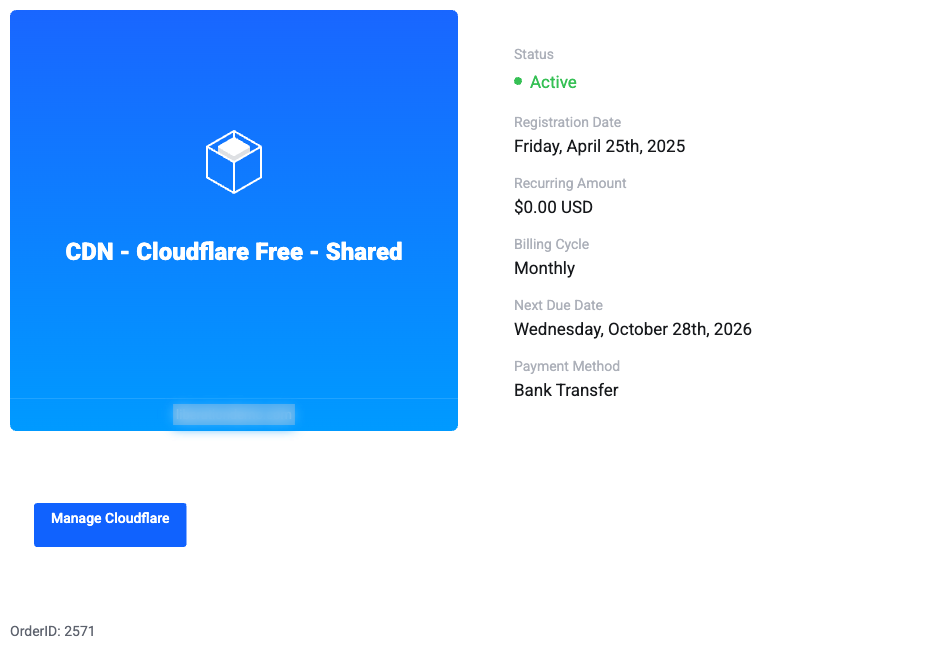
The manager opens on the Overview page.
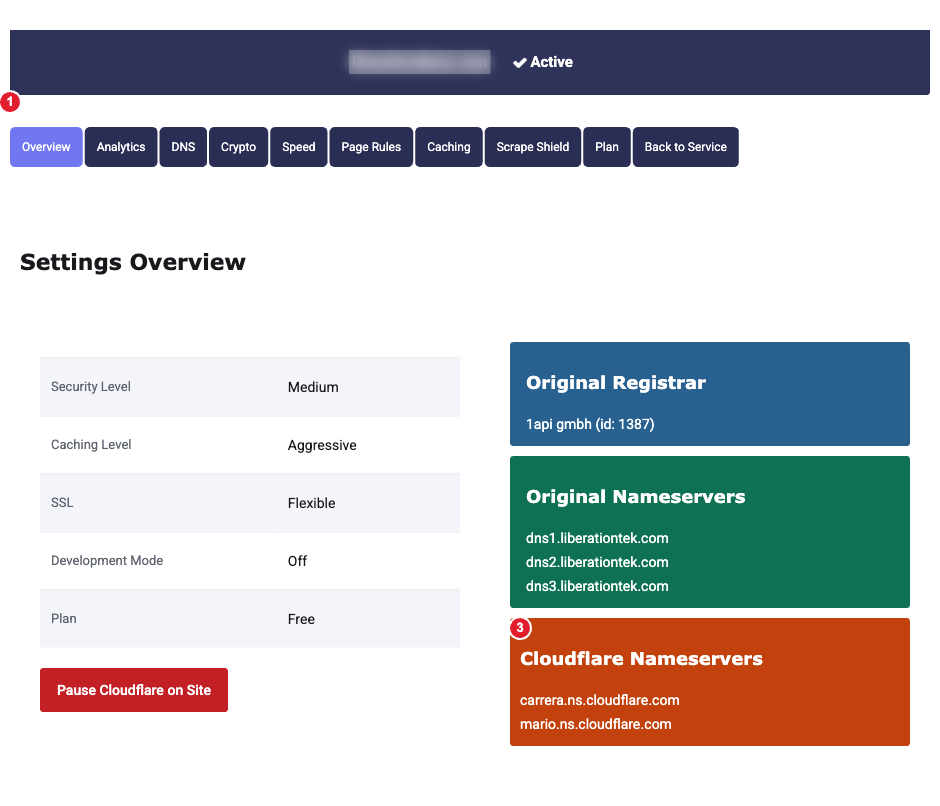
(1) Menu for each section (2) Pause Cloudflare on Site (3) The Cloudflare nameservers your domain must use
The Overview shows your security level, caching level, SSL mode, whether Development Mode is on, and your plan, plus your domain's original registrar and nameservers.
What each section does
| Section | Use it to |
|---|---|
| Analytics | See requests, bandwidth, unique visitors and threats blocked. More |
| DNS | Add, edit and delete DNS records, and choose which are proxied. More |
| Crypto | Set the SSL mode, Always Use HTTPS and HSTS. More |
| Speed | Rocket Loader, the visitor-country header and the upload limit. More |
| Page Rules | URL-based settings and forwarding. More |
| Caching | Caching level, browser cache time, purging the cache, Always Online and Development Mode. More |
| Scrape Shield | Hide email addresses from bots and stop image hotlinking. More |
| Plan | See your current Cloudflare plan. |
Change your plan
To move between Free, Pro and Business, go back to the service page and click Upgrade/Downgrade in the menu on the left. The change is billed from the service.
Pause Cloudflare
Pause Cloudflare on Site sends visitors straight to your hosting server, skipping Cloudflare's cache and protection, while Cloudflare keeps answering your DNS. It's useful for a quick test when you suspect Cloudflare is causing a problem. Remember to resume it afterwards.
Something not working? See Cloudflare: Fix Common Problems.
