
You can build a complete site without code. If you do want to add your own code, there are two places:
The HTML element
Drag Elements > HTML onto a page to paste in an embed code, for example a booking widget, a newsletter sign-up form or a review badge from another service.
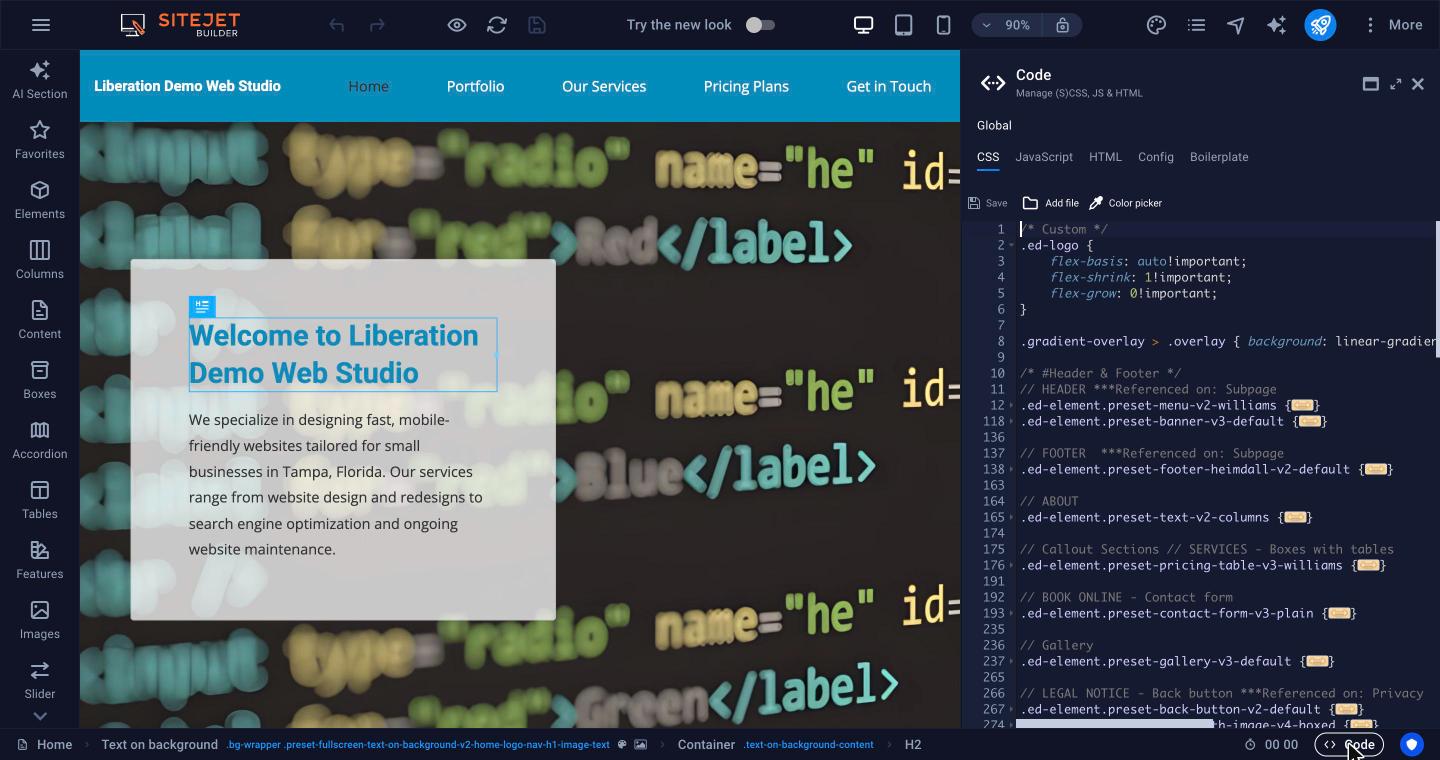
The code editor
Click Code in the bottom bar. The Global tabs apply to every page:
- CSS: your site's styles (SCSS also works). Add your own rules at the bottom.
- JavaScript: scripts that run on every page.
- HTML: the frame around every page. You can add code before or after
{{content}}, but never remove{{content}}. - Config and Boilerplate are used by the builder itself. Leave them alone.
Click Save in the code panel after you make changes.
Important: Code from outside sources can break your layout or slow your site. Only add code you trust, save a backup first (☰ > Backups), and test in Preview before publishing. We can't debug custom code for you.
For tags that belong in the page head (such as site verification tags), use the Meta tags box in Website Settings or in a page's More Settings. For Google Analytics you don't need code: use the Google Analytics ID box. See SEO Settings and SEO Analysis.
