
The Images tool changes images already uploaded to your account, a whole folder at a time. It's handy for shrinking large photos that slow your site down.
- Log in to the Client Area, go to Services > My Services and open your hosting service.
- Click Log in to cPanel in the menu on the left.
- In cPanel, click Images. You can also type its name into the Search Tools box at the top.
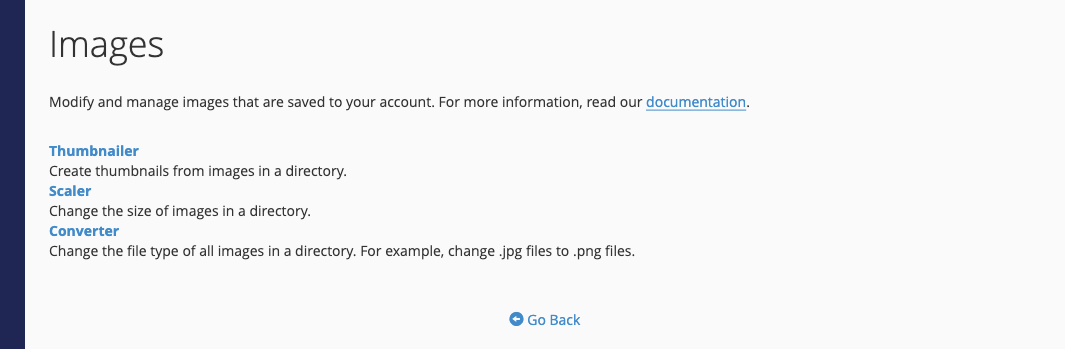
- Thumbnailer makes small copies of every image in a folder, at a percentage of the original size. The copies go in a
thumbnailssubfolder. - Scaler resizes one image to the width and height you enter. Tick Keep a copy of the old image if you might want the original back.
- Converter changes the file type of an image, or of every image in a folder, for example from .bmp to .png.
In each tool, click through the folders to find your images (they're usually inside public_html), then click the image or folder to work on.
Tip: If your site runs on WordPress, resize images before you upload them, or use an image-optimization plugin, because WordPress keeps its own resized copies.
