
Search in mailbox
Added in version 2.1.
At the top of the envelope list in any mail layout, there is a search field shortcut for searching email subjects. Starting from version 3.7, this shortcut allows you to search by subject, recipient (to), or sender (from) by default.
Advance search in mailbox
Added in version 3.4.
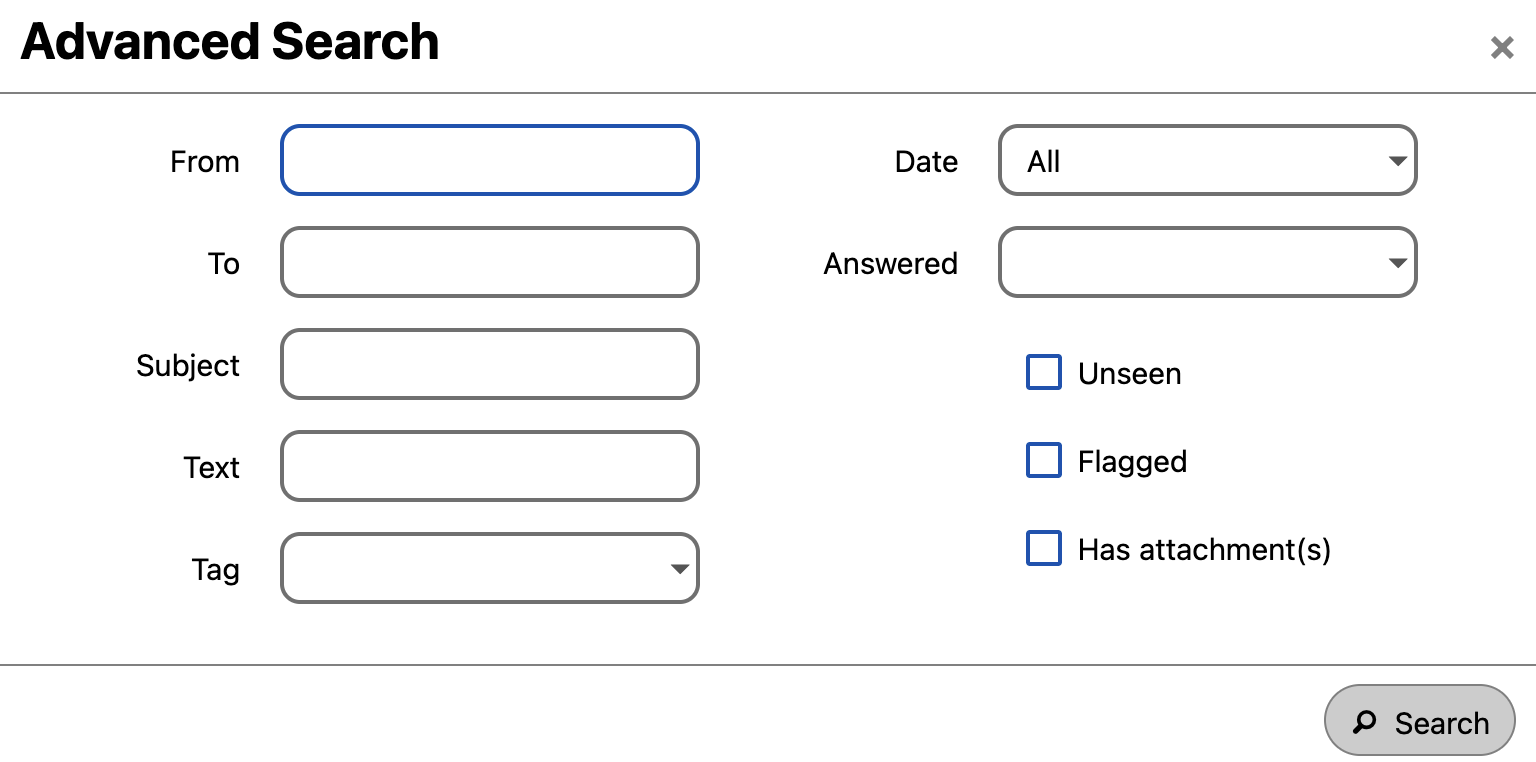
You can access our advanced search feature through a modal located at the end of the search shortcut.

Enable mail body search
Added in version 3.5.
Mail bodies can now be searched, this feature is opt-in because of potential performance issues.
To enable it:
-
Visit Account settings
-
Go to Mailbox search
-
Enable mail body search
