
Forms lets you build surveys, sign-up sheets and questionnaires, and collect the answers in one place.
Create a form
- Log in at hubforteams.com.
- Click Forms in the top bar (it may be under the … menu).
- Click New form.
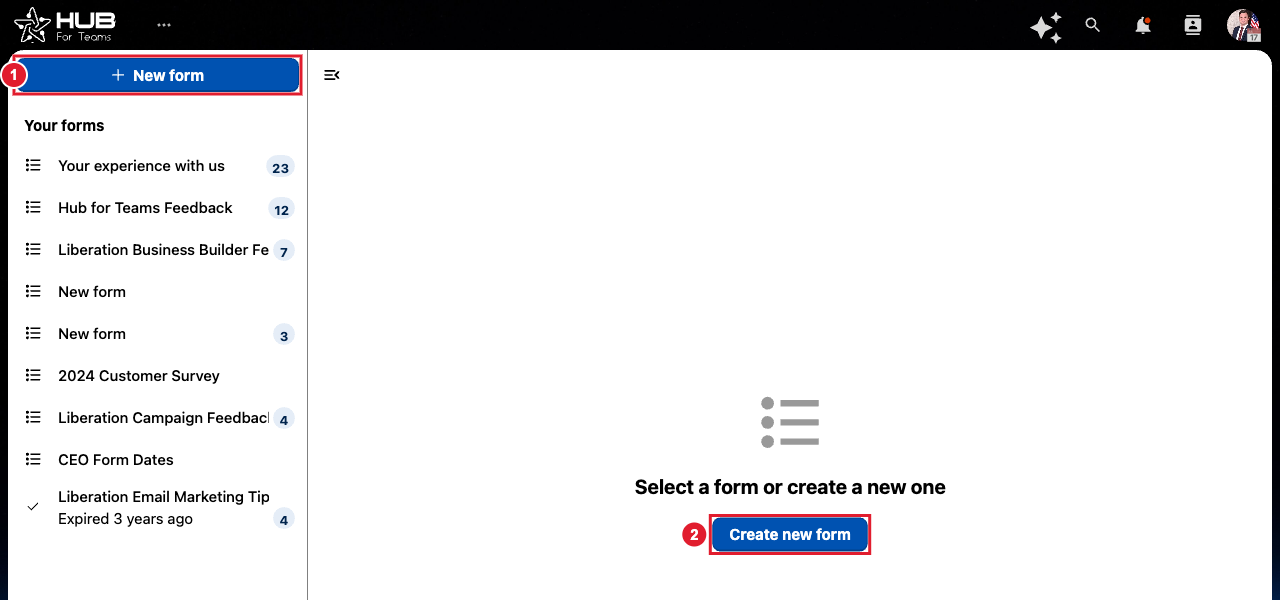
(1) New form (2) Or create a new one from the empty page
- Give the form a title and description.
- Click Add a question and choose the type: short answer, long text, multiple choice, checkboxes, dropdown, date and more. Mark questions as required if needed.
- Open the sharing options to copy a link to the form, or share it with people and groups in your Hub. You can also set an expiry date and limit people to one response.
- Open the Results view to see responses. You can export them to a spreadsheet.
