How to Add Domain to Hub for Teams
To add a domain to your hub for teams account, First login to your client portal.
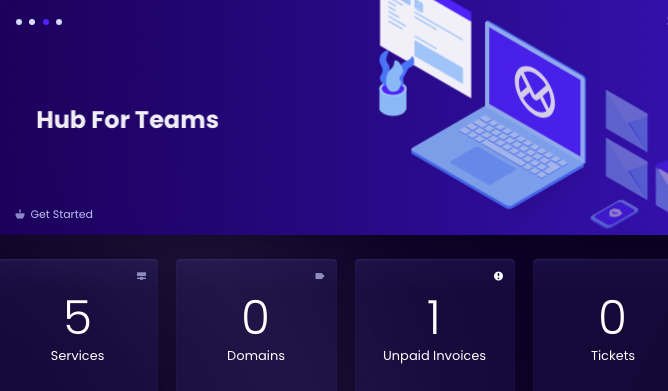
From your client portal Dashboard. Click on the services tile.
Next, Click on your Hub for Teams.

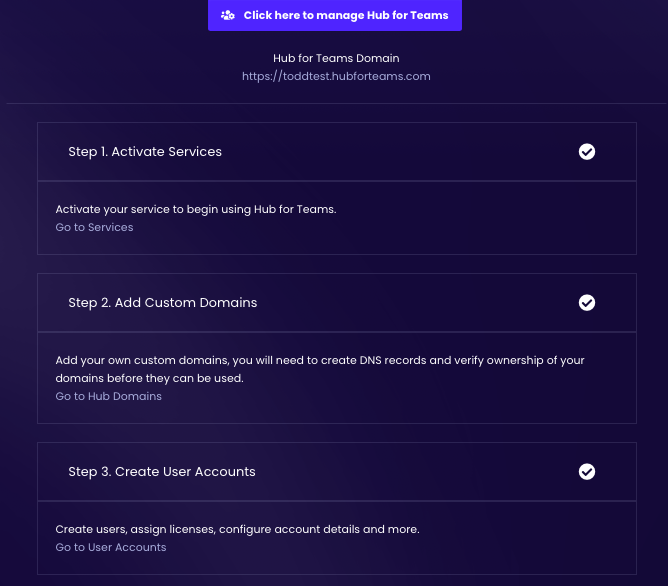
Click on the "Go to Hub Domains" under step 2.
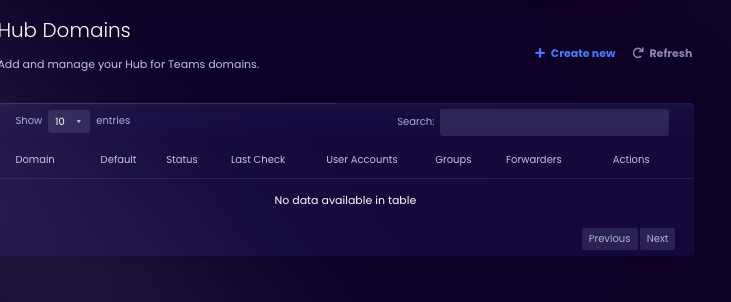
You can either add a new domain in the top right hand corner, or you can select one that you already have registered.
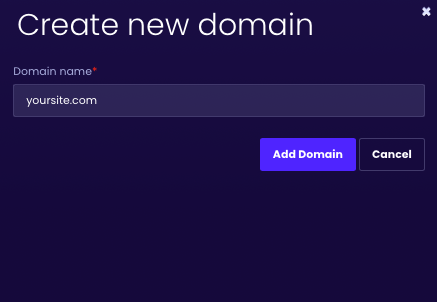
Add your domain name.
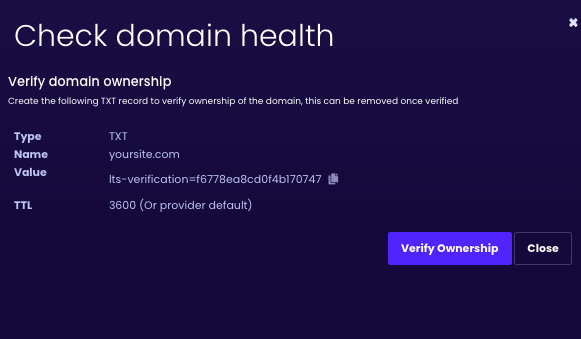
Verify your domain, you will need to add a TXT record.