
Bring your Google contacts and calendars into your Hub by connecting your Google account.
Quick steps
- Log in at hubforteams.com.
- Click your profile picture and choose Personal settings.
- Click Connected accounts and find the Google section.
- Click Sign in with Google and allow access.
- Choose what to import: contacts, calendars and, if you want, Google Drive files.
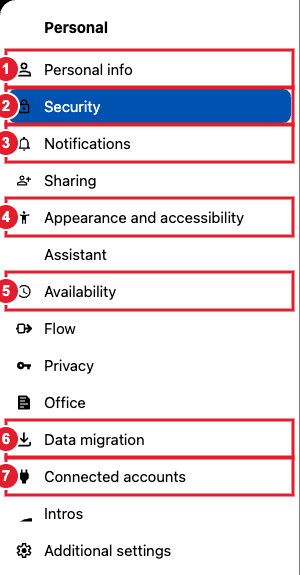
(7) Connected accounts
Moving over from Google for good? See Migrating your Google Calendar and Contacts and Google Drive Migration.
