Hub users: see Flags and Tags in Hub Email for the Hub version.
You can use labels and tags to indicate To Do, Important, Later, and other common labels or flags that various email clients support. Multiple tags can be added to emails along with custom ones to help you better organize your emails, using Filters you can configure rules to automatically apply a specific Flag (Tag) to messages as they are received.
Labels
Labels are tags that are able to be displayed by most IMAP clients, they can be assigned automatically to emails as part of any Filters you create using the "Flag the message with" action. To configure or view existing labels go to Preferences > Mail > LabelsTags
These can either be a Label (Flag) or text of your own choosing to help with organizing emails. Only tags that are labels will show on email clients such as your phone or laptop, but all tags can be managed and filtered by within webmail.Flags
Use flags to indicate important emails that you wish to be able to find easily, in webmail this is shown as a star while on other email clients it may show as a flag.
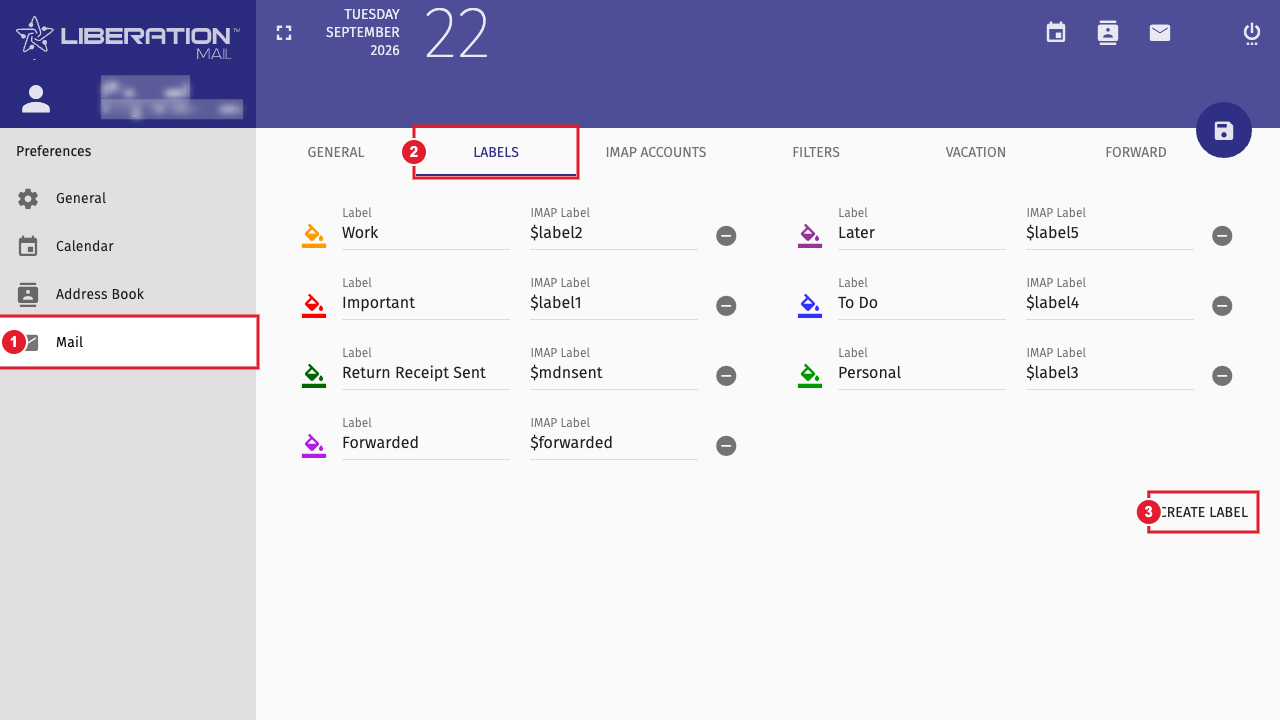
Preferences > Mail > Labels: (1) Mail (2) Labels tab (3) Create Label
Flagging an Email
To flag an email, open the body of the email and click the star

Tagging or Labelling Emails
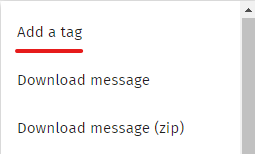
To add a tag to an email. First, open the body of an email and select the three buttons in the top right of the message and click Add a tag

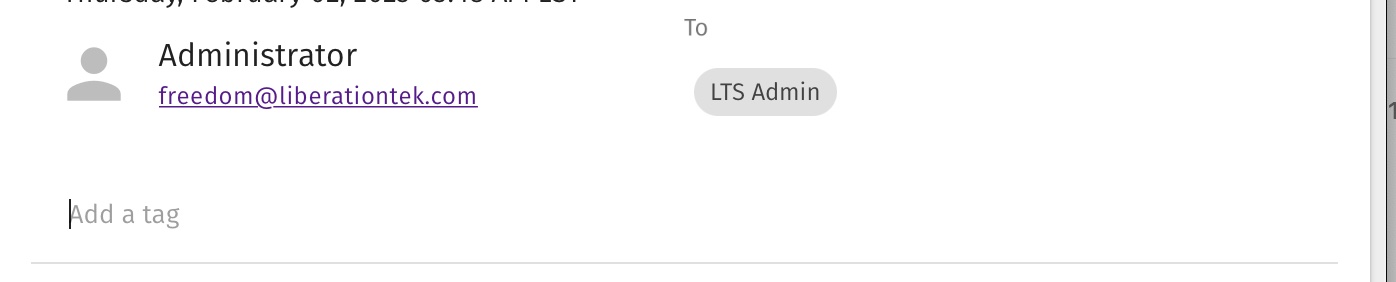
You will now see a tag field appear under the sender's name. Type in one of the predefined labels to apply it to the message or type a custom name to create a new tag
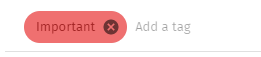
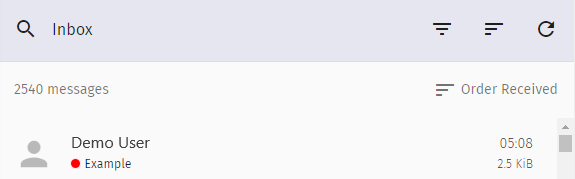
Next to the subject a colored dots will appear matching the selected label(s), tags which are not labels will not show any indication in the message list
Filtering by Tags, Labels, and Flags
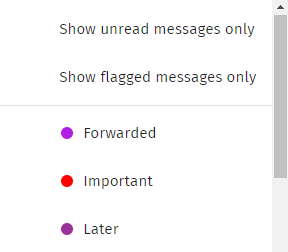
When viewing the folder you wish to filter such as Inbox, click the 3 lines that form an upside down triangle and then select the tags you wish to filter by
- Use "Show flagged messages only" to view all messages you have flagged by clicking the star
- Select the tags and labels to only display messages with those tags assigned