
WordPress is a CMS software with an easy to access admin account and a simple to manage blog system. In order to access your WordPress account, you need to follow these instructions:
1. Open http://example.com/wp-admin (Replace example.com with your domain name) in your browser.
2. Enter your WordPress username and password in the login fields an click on Login.

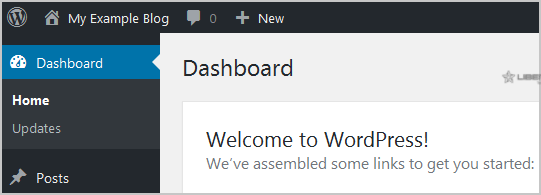
3. WordPress will redirect you to the WordPress Admin Dashboard.
Can't remember the address or password? You can also get in from the Client Area: log in, open Services > My Services, click your hosting service, click Login to cPanel, open WordPress Management and click Login next to your site. If you still can't get in, see How to change the password of a WordPress account or open a support ticket.
