Adding a Backup / Recovery Email and Phone Number
Login to you Hub for Teams account https://hubforteams.com/
Once logged in click on your profile picture or initials in the top right hand corner and select settings.

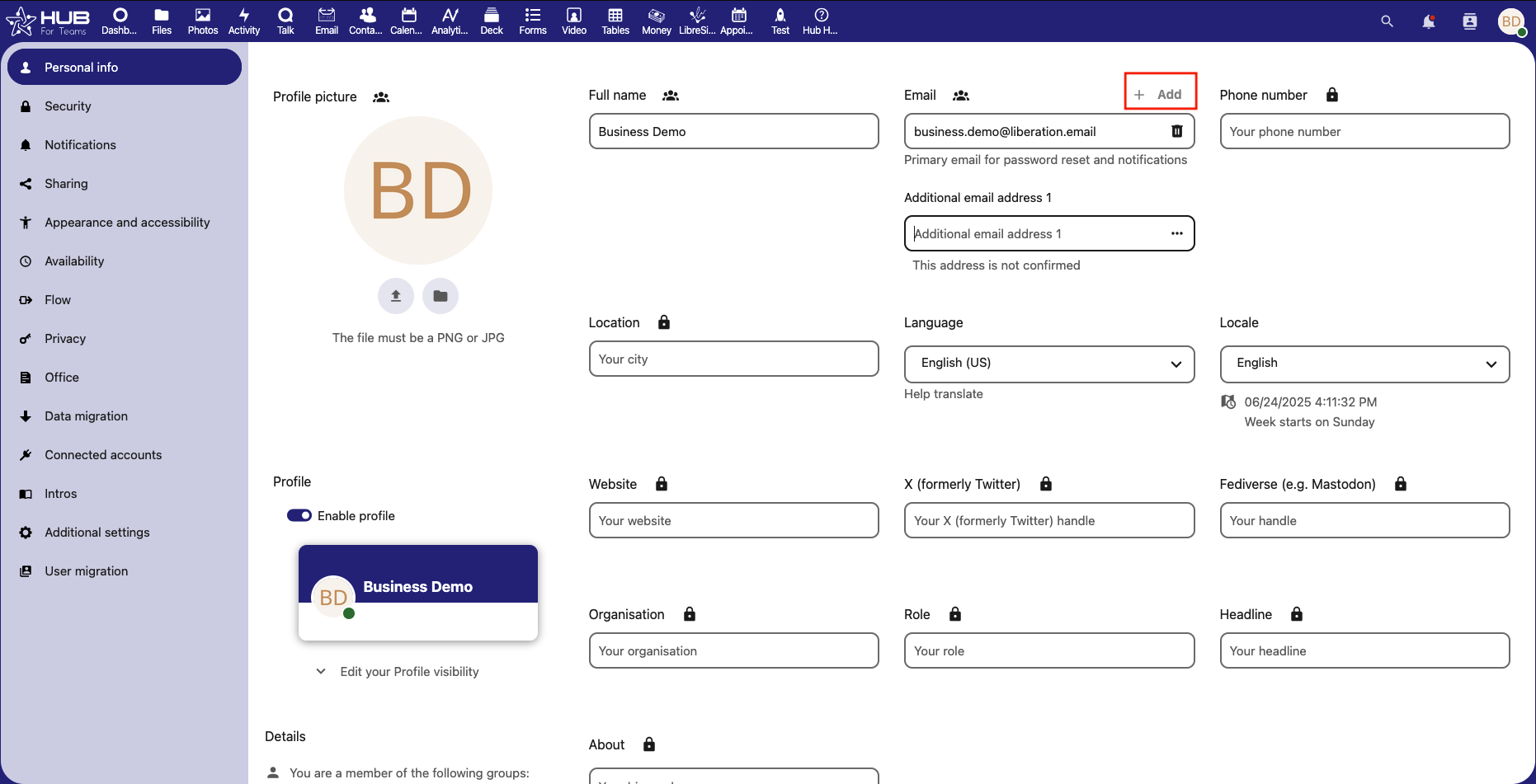
Under the "Personal Info" tab on the left hand menu, You can add a backup email address by clicking the " + Add" button. You can also add a recovery phone number.