How do I import subscribers
Step 1: Login as a customer into your application and go to your lists:
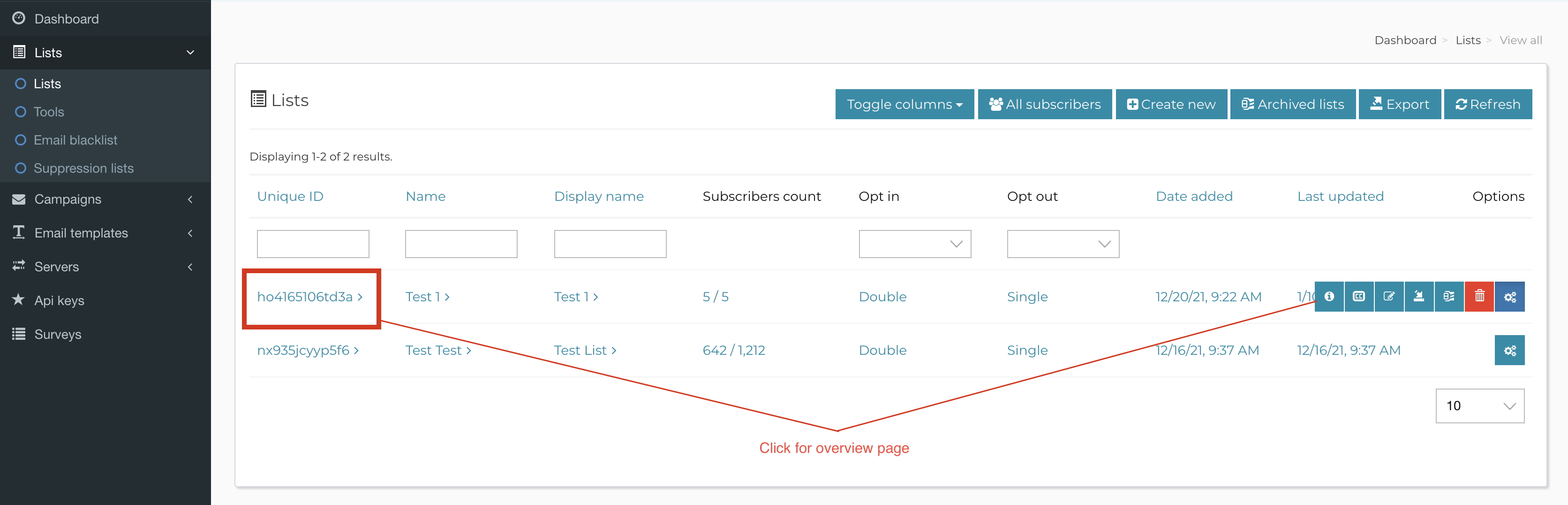
Step 2: Click on your list title or on the Info icon for your list
(see highlighted section on Step 1)
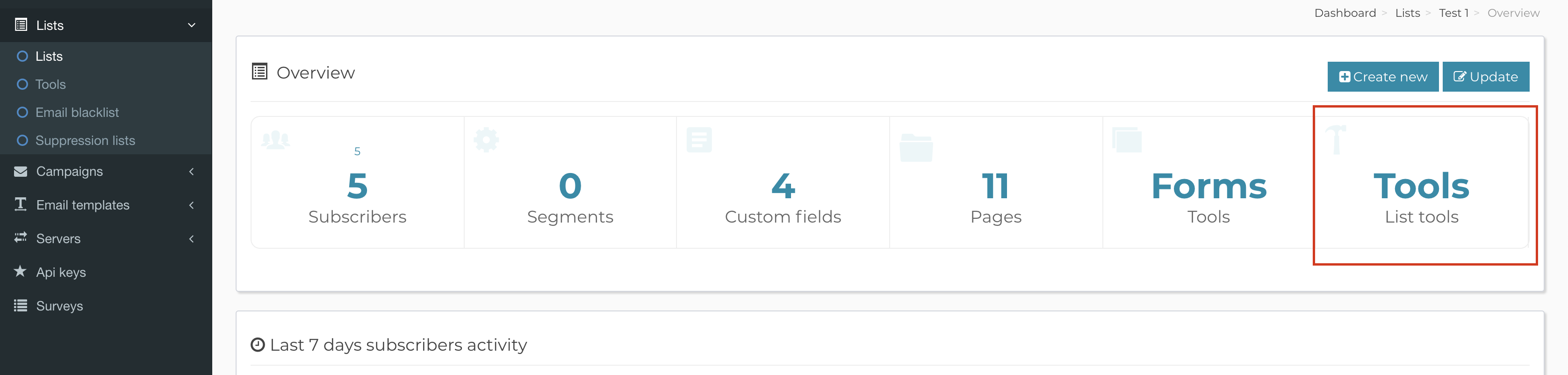
to see the list overview page from which you will click on the Tools box:
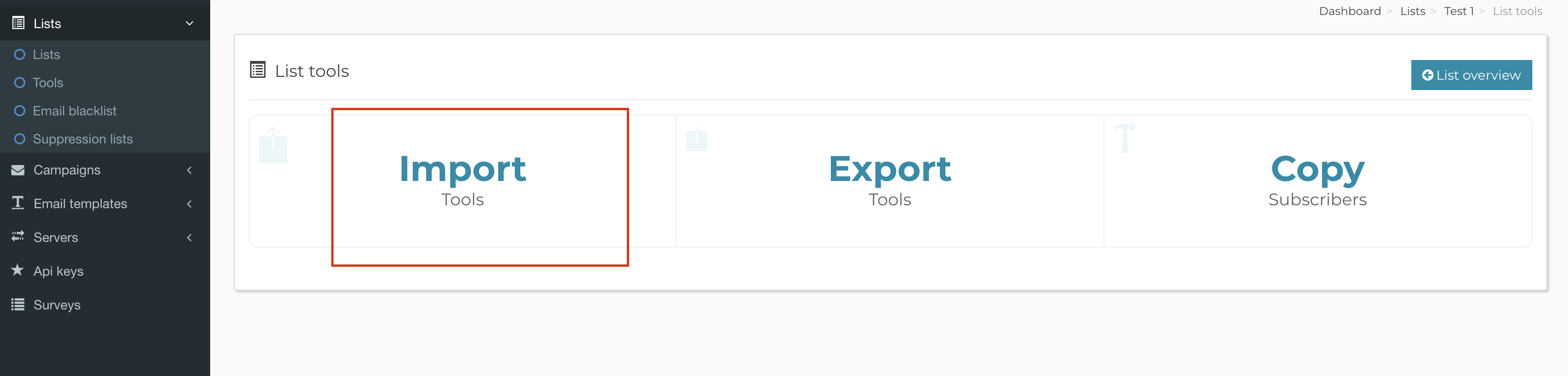
Step 3: Click on the Import box:
 <
<
Step 4: Choose one of the import options depending on the file you need to upload:
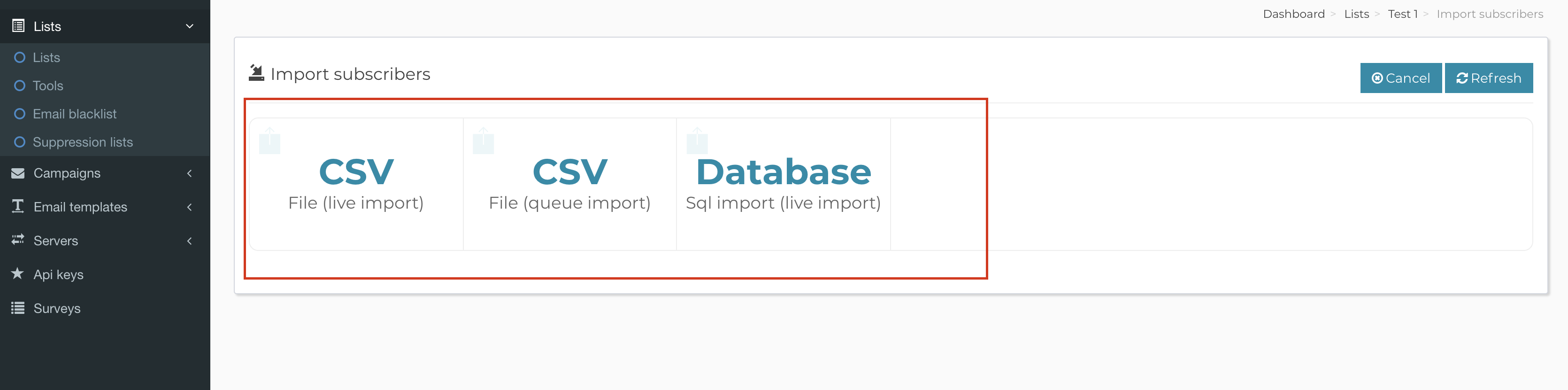
That’s it, once you select the file, the import will start and your subscribers will be imported into your list.