
Deleted messages go to your Trash folder and count toward your mailbox storage until you empty it.
Empty the Trash
- In Hub Email, click Trash in the folder list.
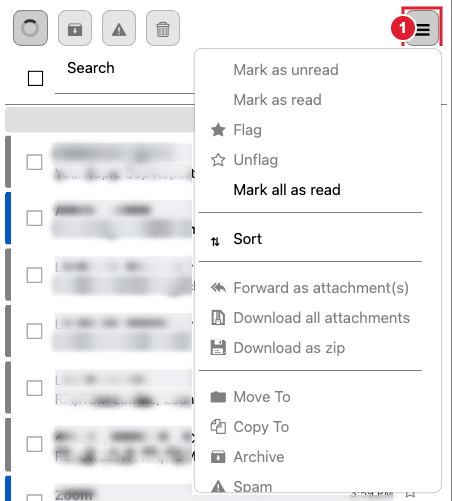
- Open the ☰ More menu above the message list.
- Choose Clear Folder and confirm.
To remove only some messages, tick them in the Trash folder and choose ☰ More > Delete permanently.
Important: Messages removed from the Trash cannot be recovered.
You can see how much storage you are using at the bottom of the message list. For a full tour of Hub Email, see Using Hub Email.
