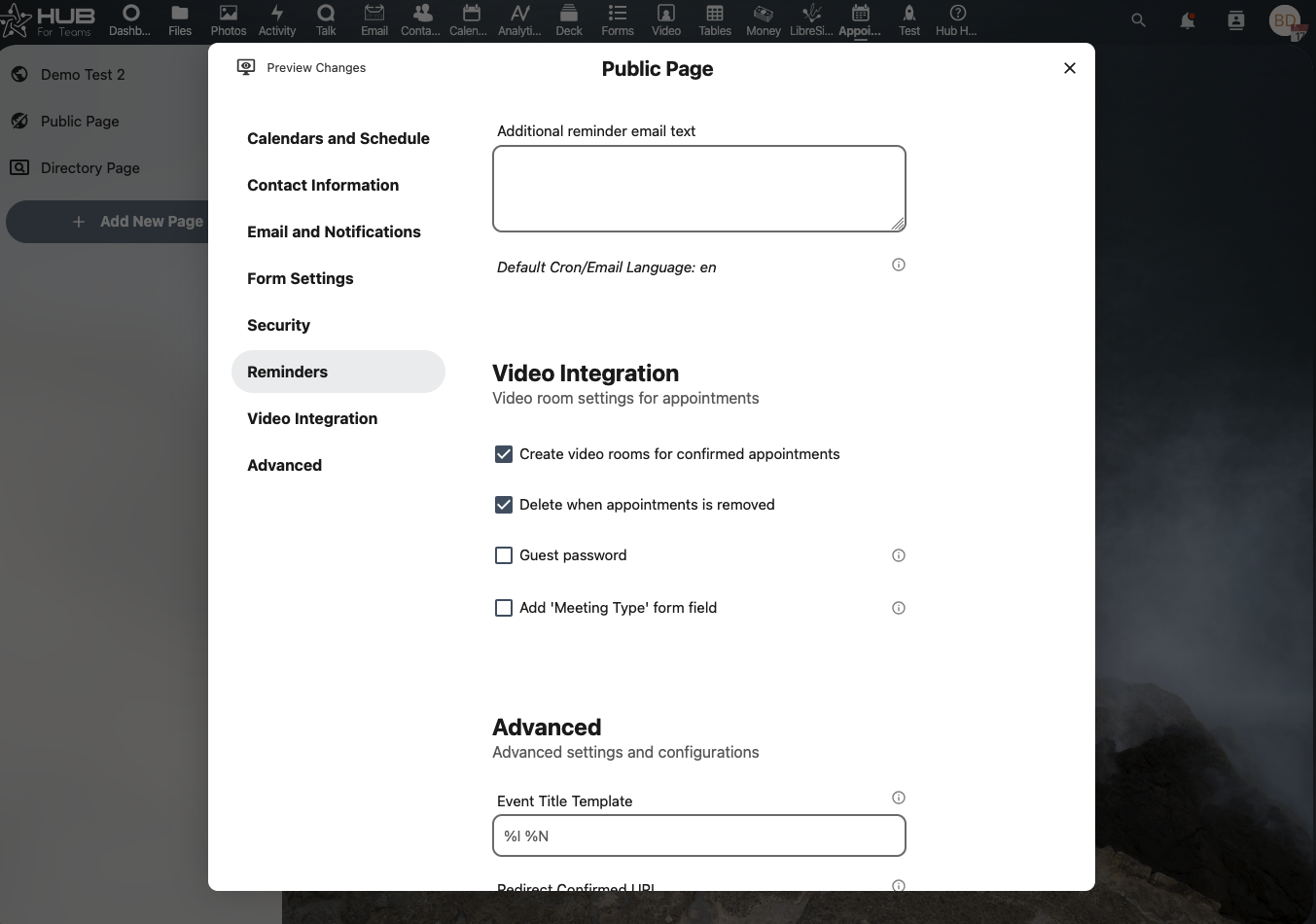
Quick Start Guide
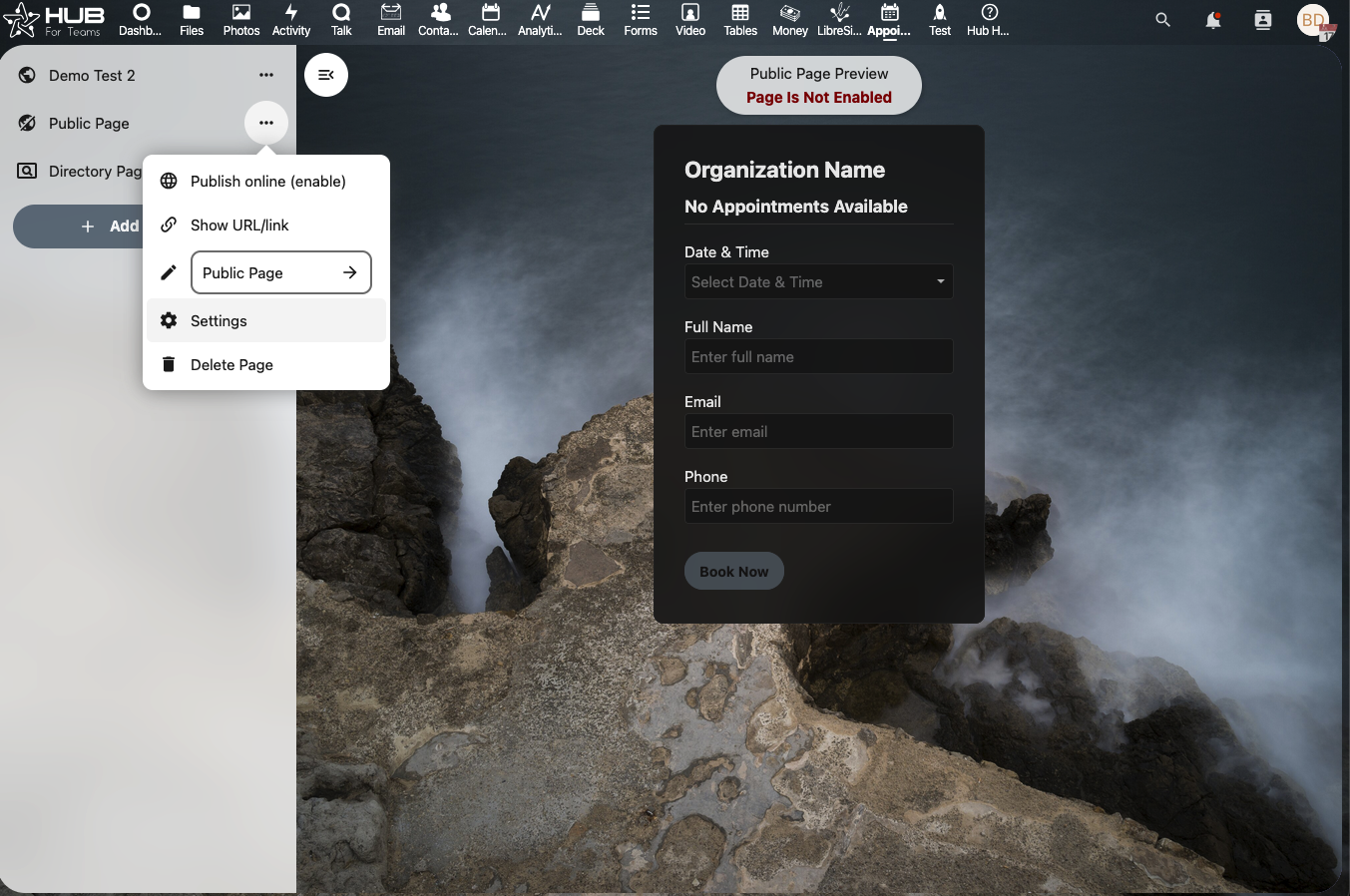
Create a calendar and select the settings
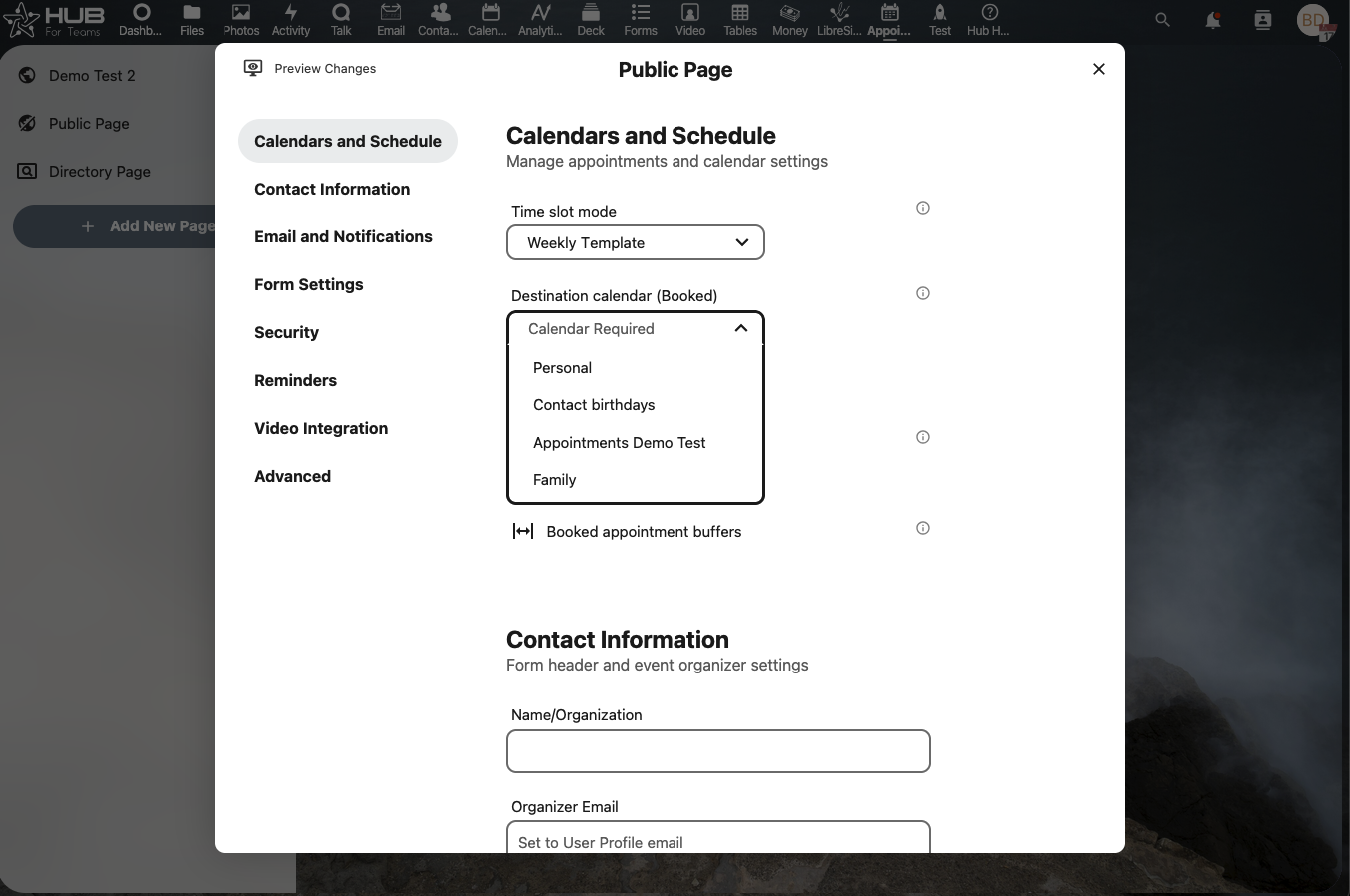
Select a calendar to book appointments on.
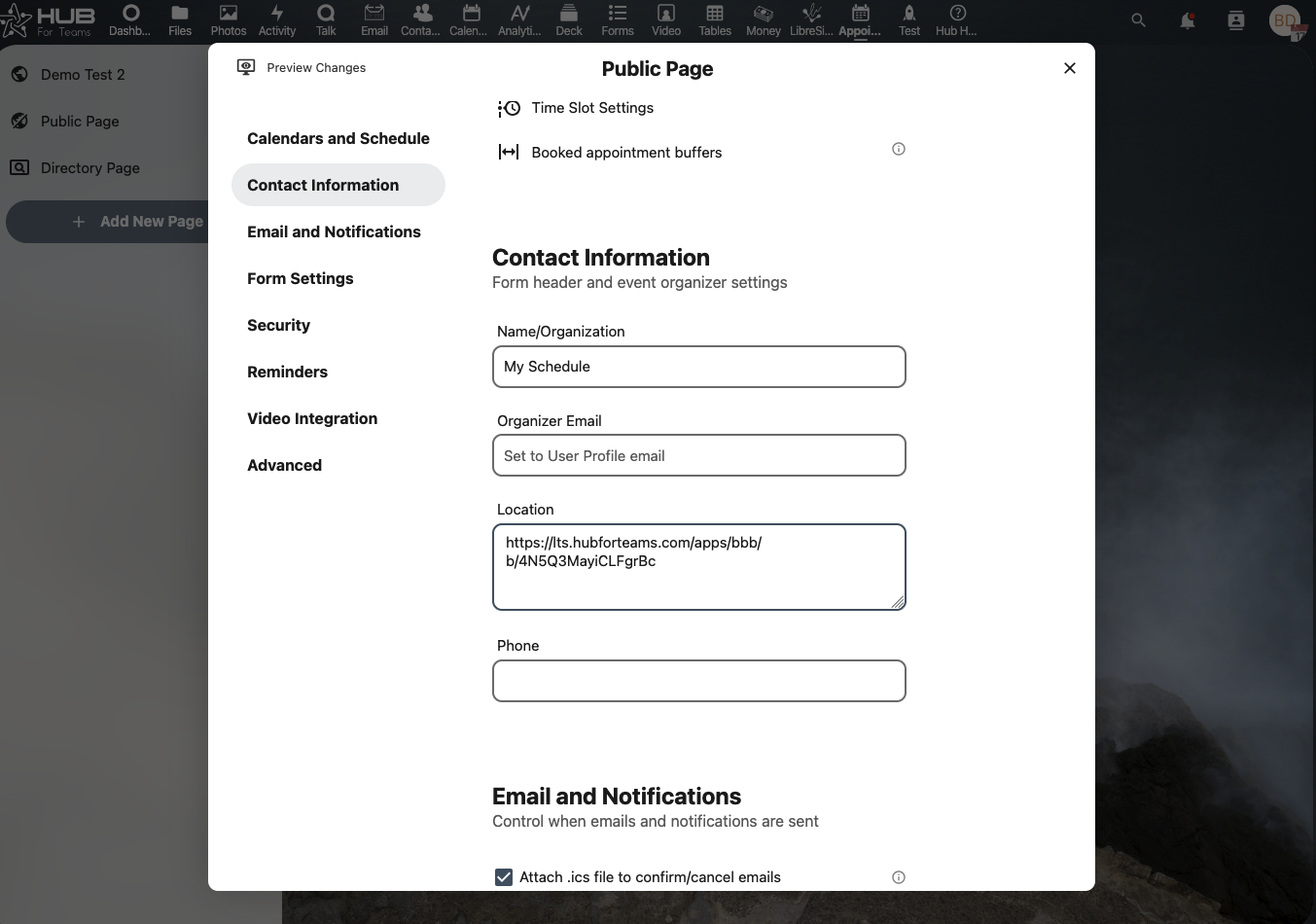
If you would like to use the video link for each appointment, paste it in the location field. If you would like to use a new link for each appointment, leave it blank, this will be addressed further in this guide.
Edit your availability
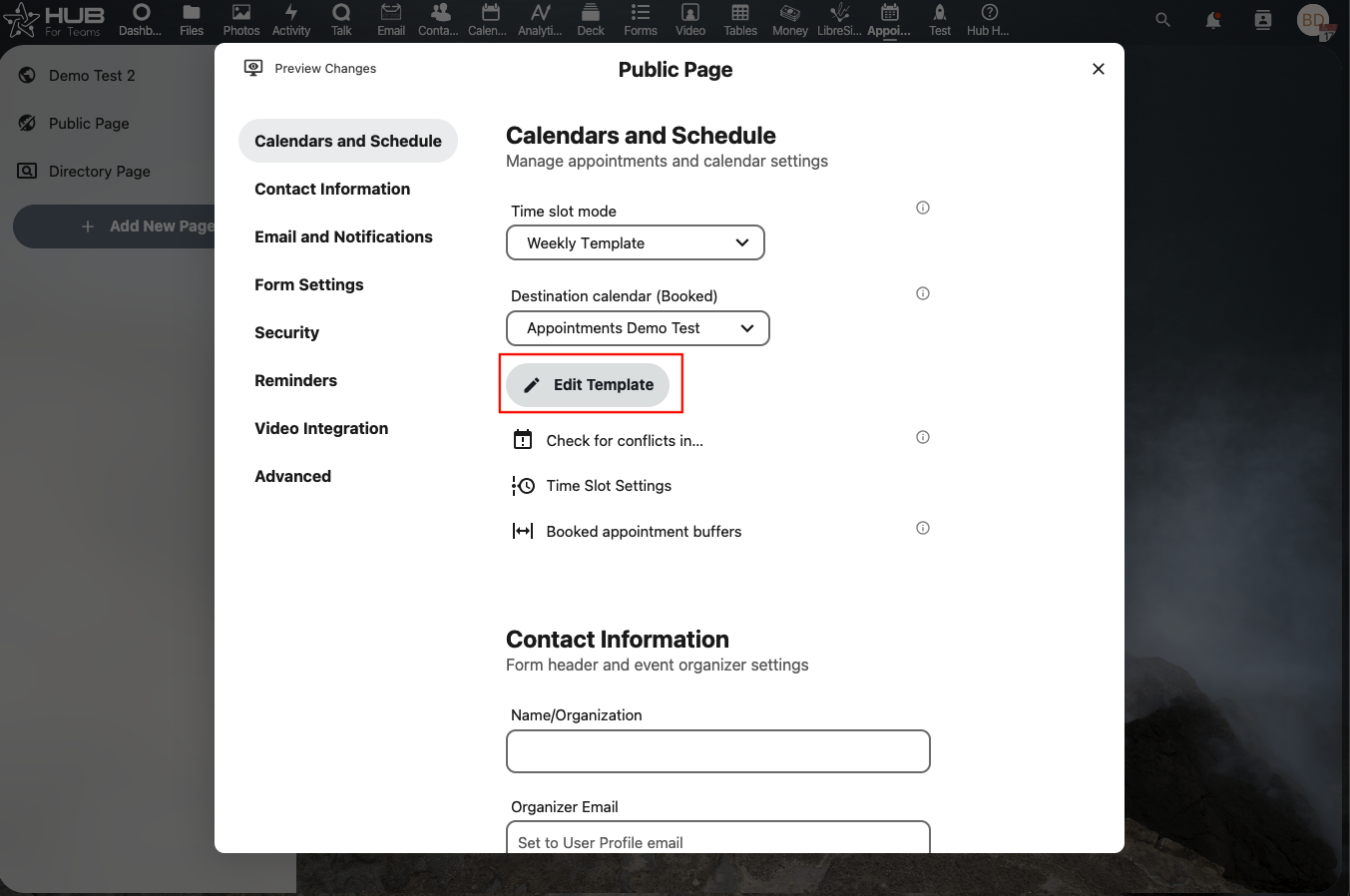
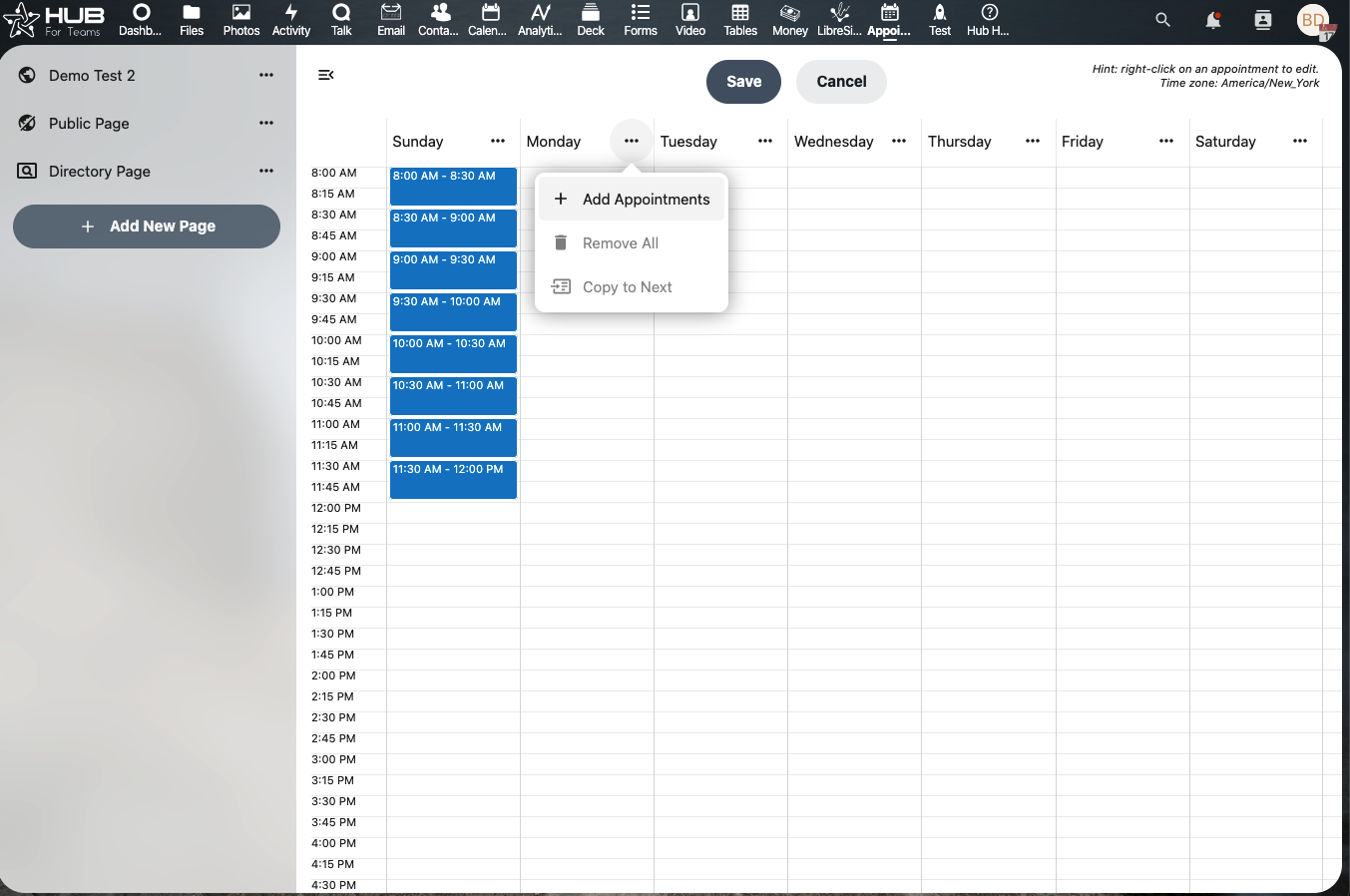
Name your calendar and publicly available information. If you would like to use the same meeting link for all appointments, you can add it in the location field. If you would like to create a new link for each booking, leave it blank and we will address this setting later in the guide.
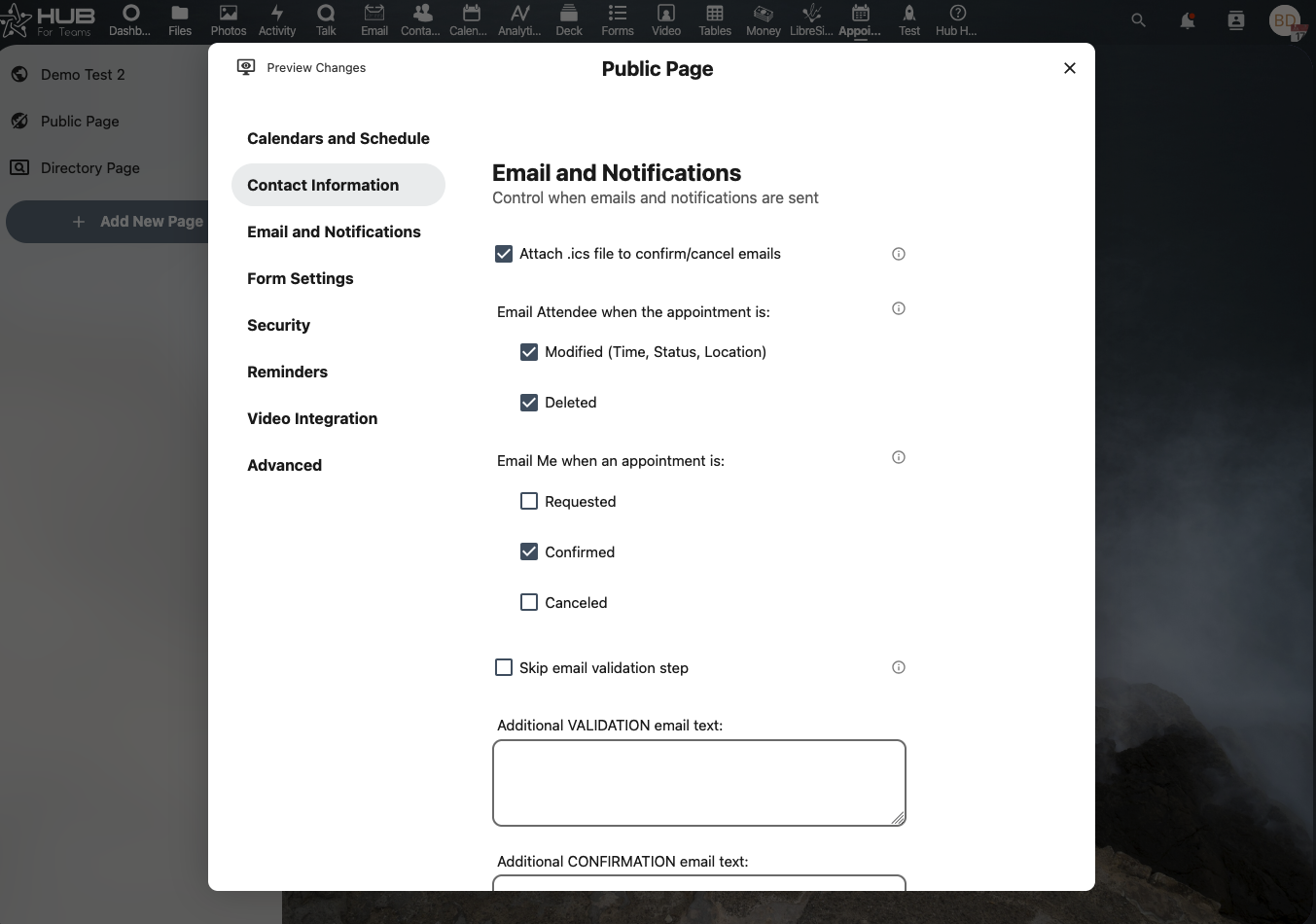
Set your Email and Notifications settings
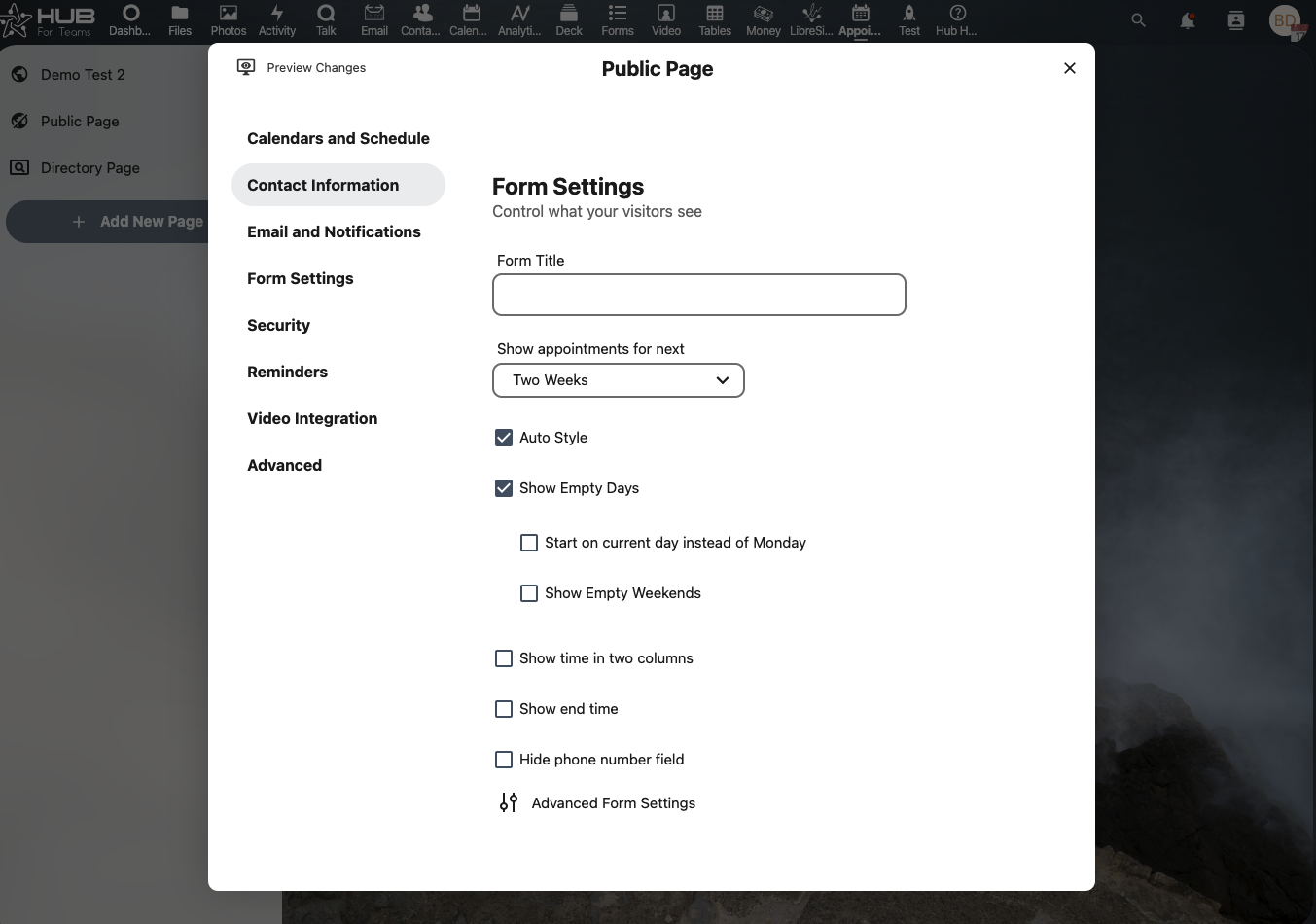
Set your form visibility settings
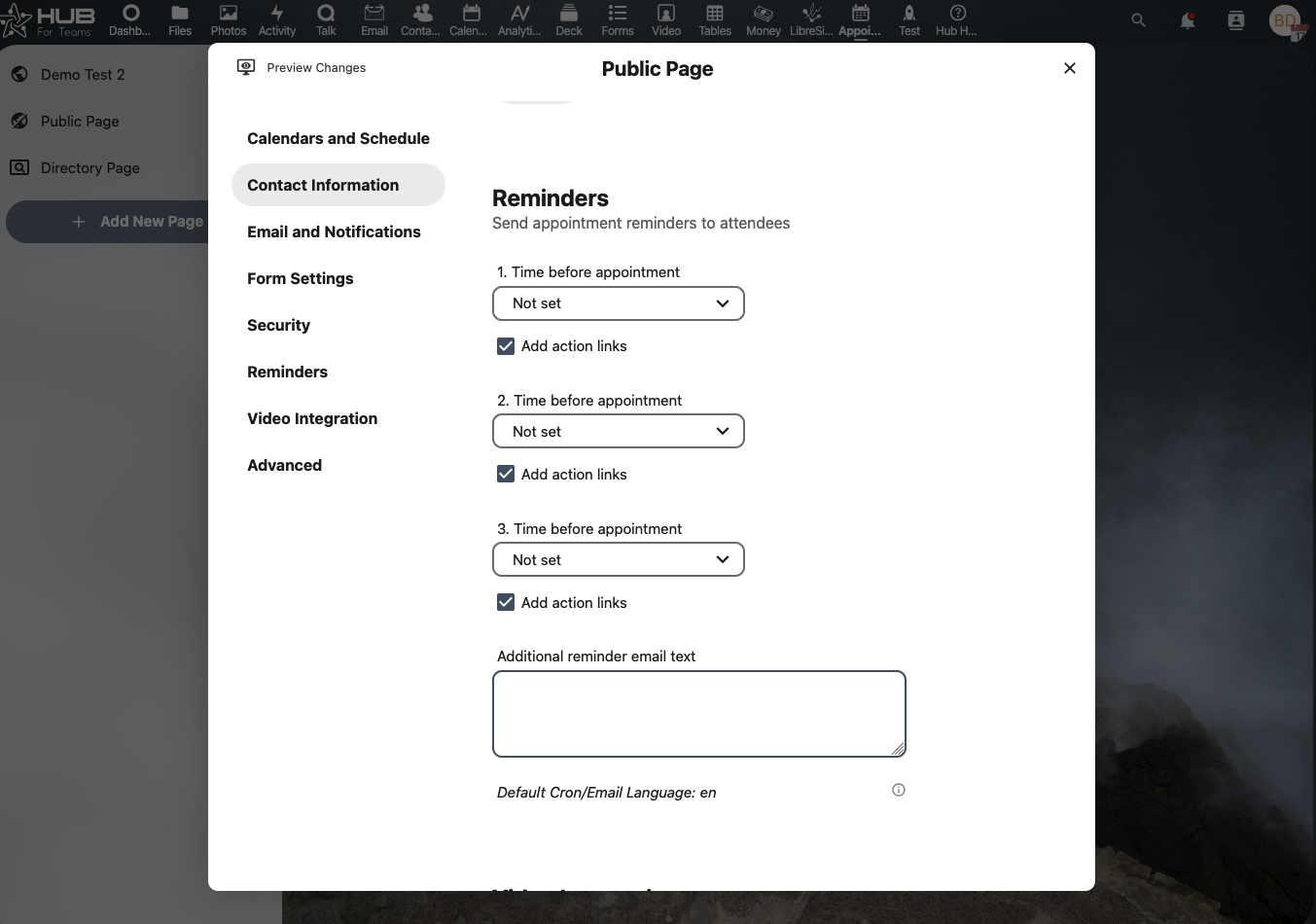
Set your reminders
If you are creating a new video link for each booking, enable the create video room.