
User Manager lets you create extra logins (subaccounts) for people who need to upload files to your site, such as a web designer, without giving them your cPanel password.
- Log in to the Client Area, go to Services > My Services and open your hosting service.
- Click Log in to cPanel in the menu on the left.
- In cPanel, click User Manager. You can also type its name into the Search Tools box at the top.
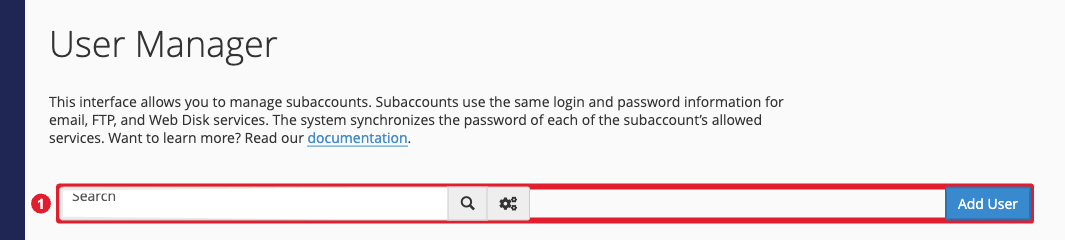
- Click Add User.
- Enter the person's name, a username, the domain, and a contact email address.
- Set a password, or choose to send the person an invitation to set their own.
- Under Services, turn on FTP and choose the folder they can access. Leave other services off.
- Click Create.
The user signs in with FTP or SFTP using their username in the form [email protected]. The list shows each user with icons for the services they can use. Click Edit, Change Password or Delete under a user to manage them.
Tip: Email is not included with shared hosting, so ignore the Email service option. For mailboxes, use Liberation Email. You may also see system users such as your main account and a logs user; you can't delete those.
