
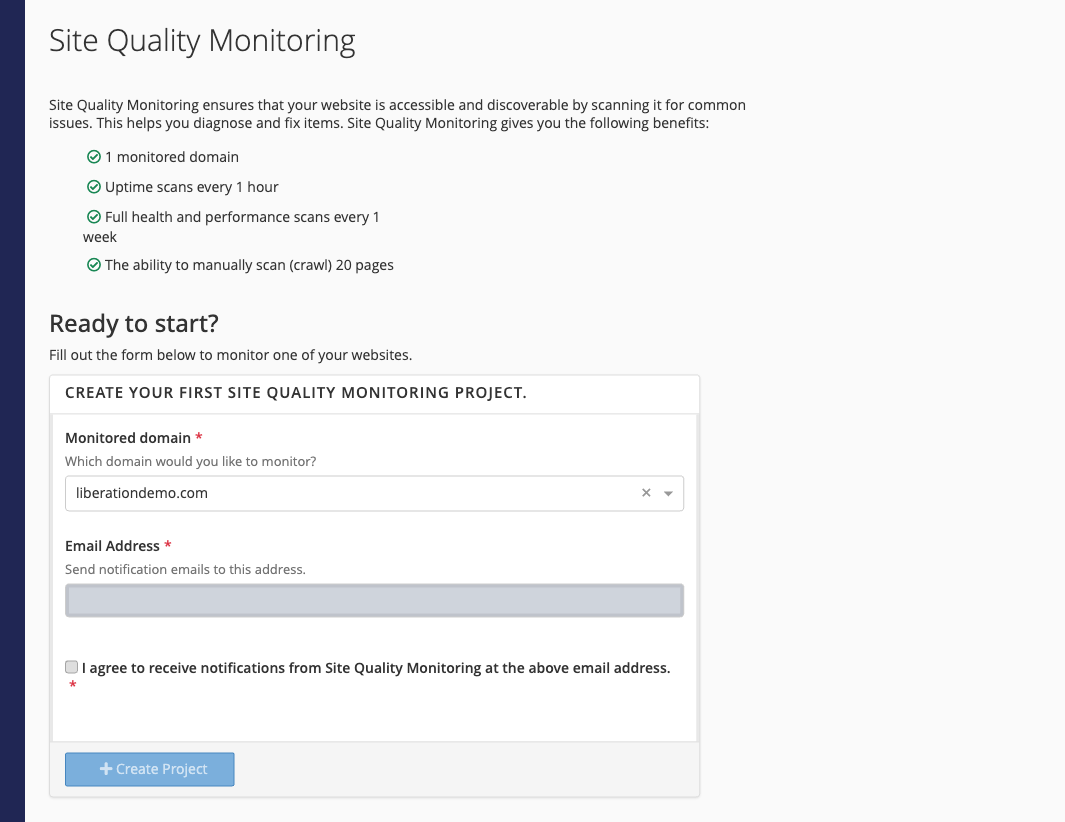
Site Quality Monitoring checks one of your websites for downtime and common problems such as broken links, slow pages and missing search-engine tags, and emails you when it finds something. The free level included with your hosting covers:
- 1 monitored domain
- Uptime checks every hour
- Full health and performance scans every week
- Manual scans of up to 20 pages
- Log in to the Client Area, go to Services > My Services and open your hosting service.
- Click Log in to cPanel in the menu on the left.
- In cPanel, click Site Quality Monitoring. You can also type its name into the Search Tools box at the top.
- Choose the Monitored domain.
- Enter the Email Address that should get alerts and tick the box to agree to receive them.
- Click Create Project.
After the first scan, open Site Quality Monitoring again to see the results and the suggested fixes.
Tip: Site Quality Monitoring is provided by cPanel. The alert emails come from the monitoring service, not from Liberation Technology Services.
